Automate Sales & Customer Support with WhatsApp AI Automation
Turn WhatsApp conversations into leads, bookings, and sales.
No coding. No developers. Launch in minutes.

Over 15,000 companies use Mavibot
Less manual work in WhatsApp
Messages get answered automatically
Reach your customers on WhatsApp anytime — just using their phone number.

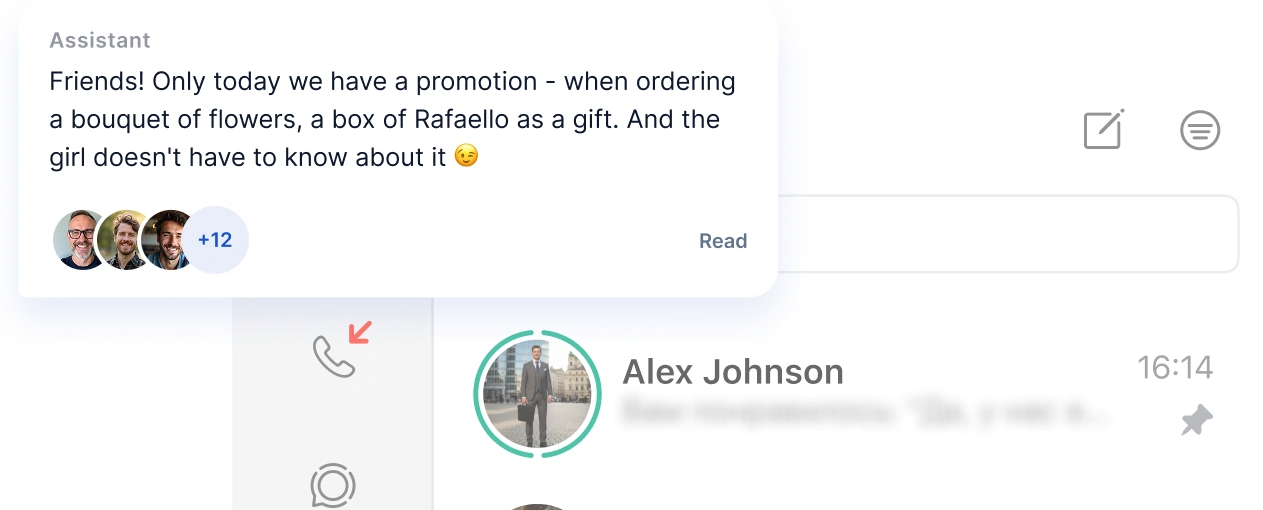
Chatbot works in groups and channels
Automated replies, notifications, and chat workflows in group chats help you save time and keep everyone up to date.
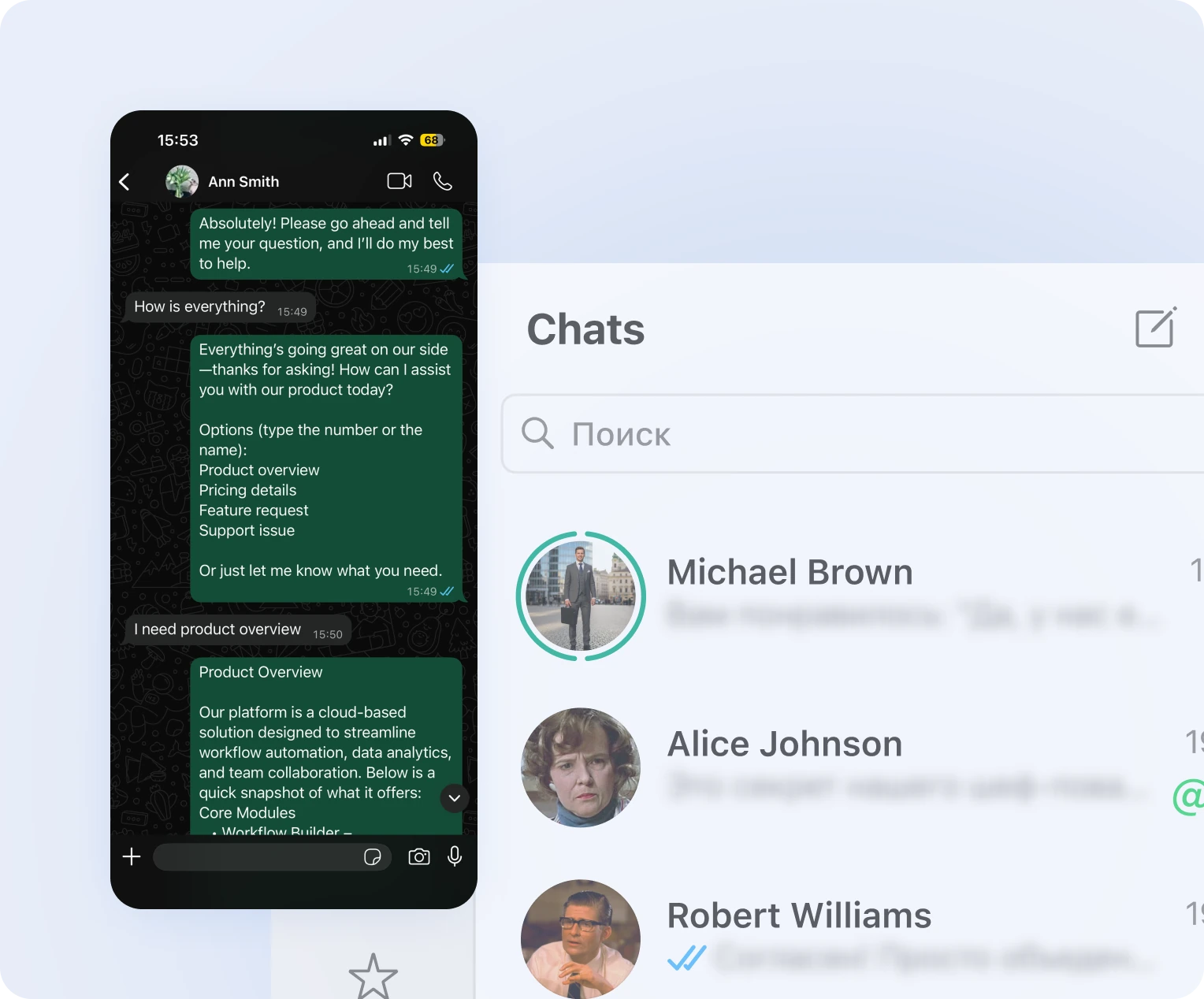
AI helps answer customer questions
AI assistant helps your customers book services, purchase products, and get instant support.

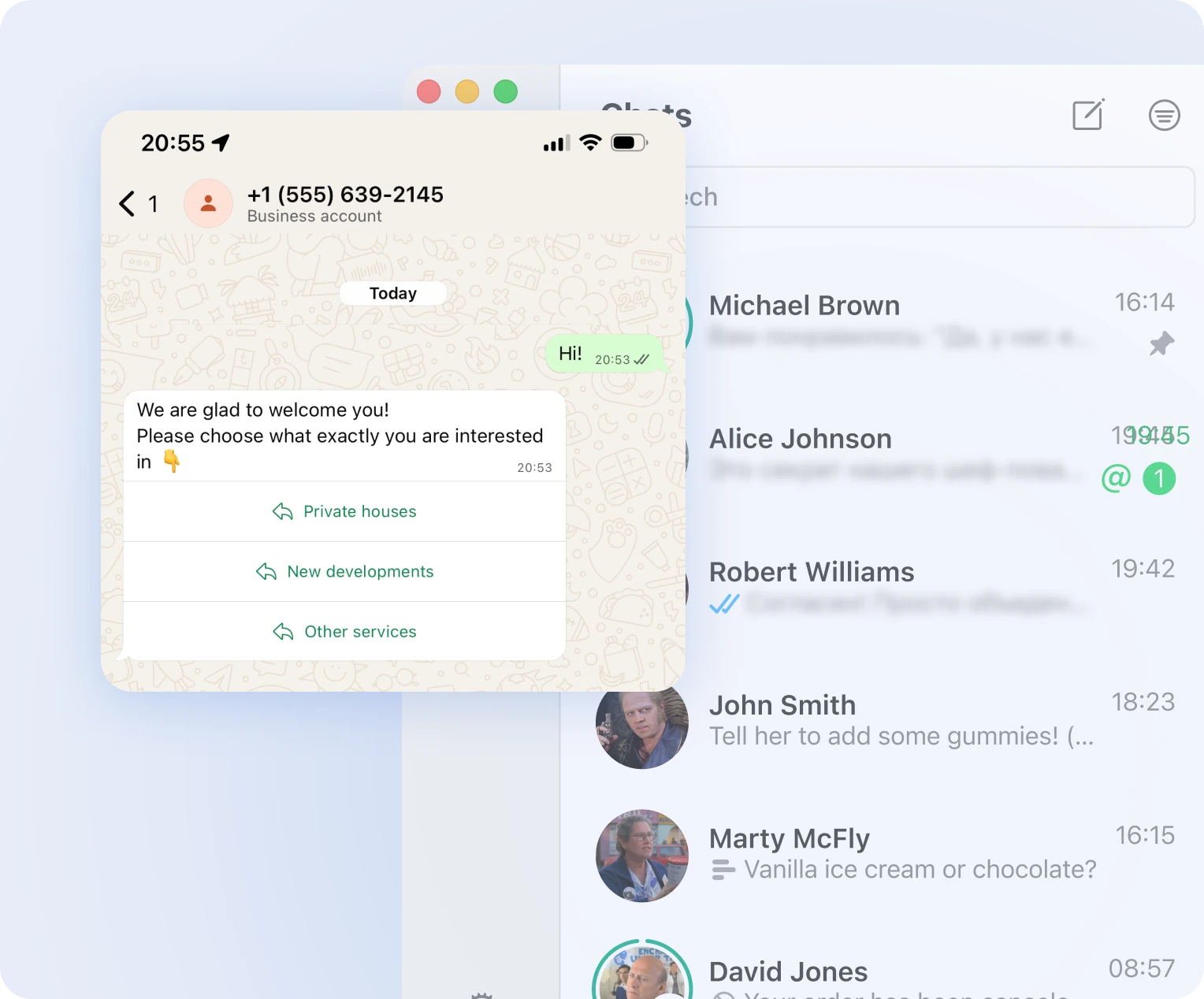
Customers choose with interactive buttons
Let customers confirm orders or go through workflows in WhatsApp with just one tap
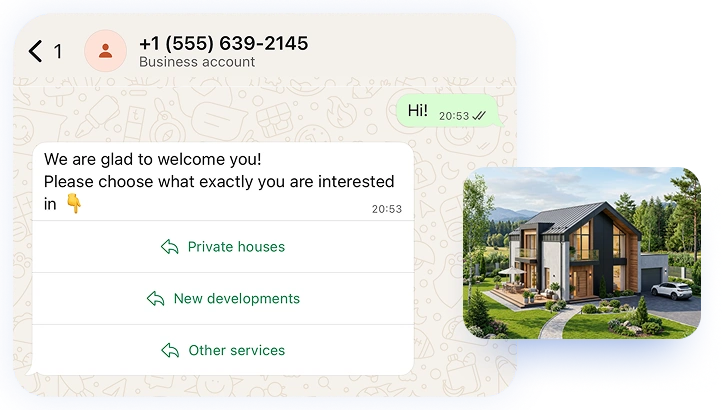
Customers book directly in WhatsApp
Customers can pick a time and book instantly within the chat

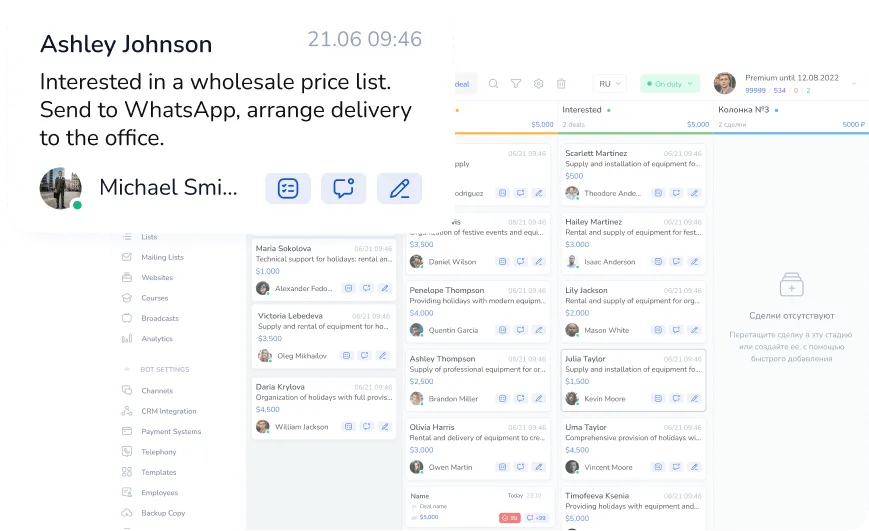
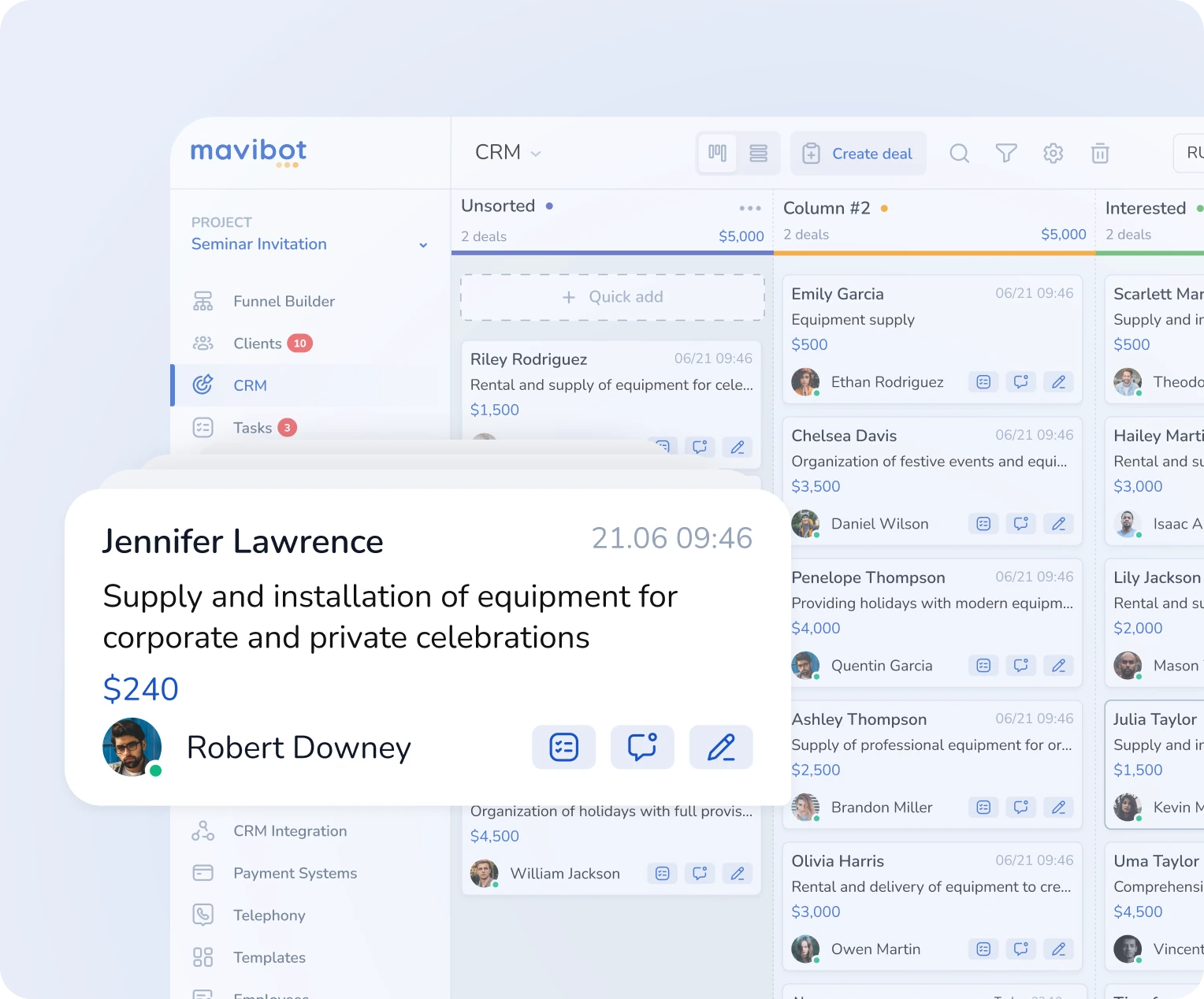
New leads stay organized in WhatsApp
Leads are saved automatically in the built-in CRM
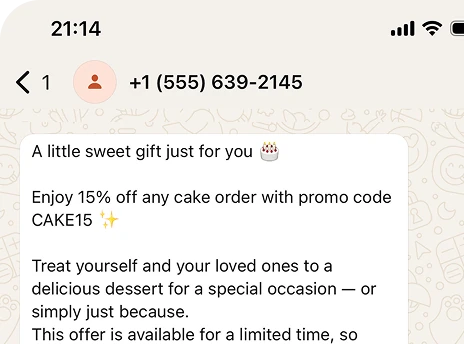
Send campaigns
to your customers
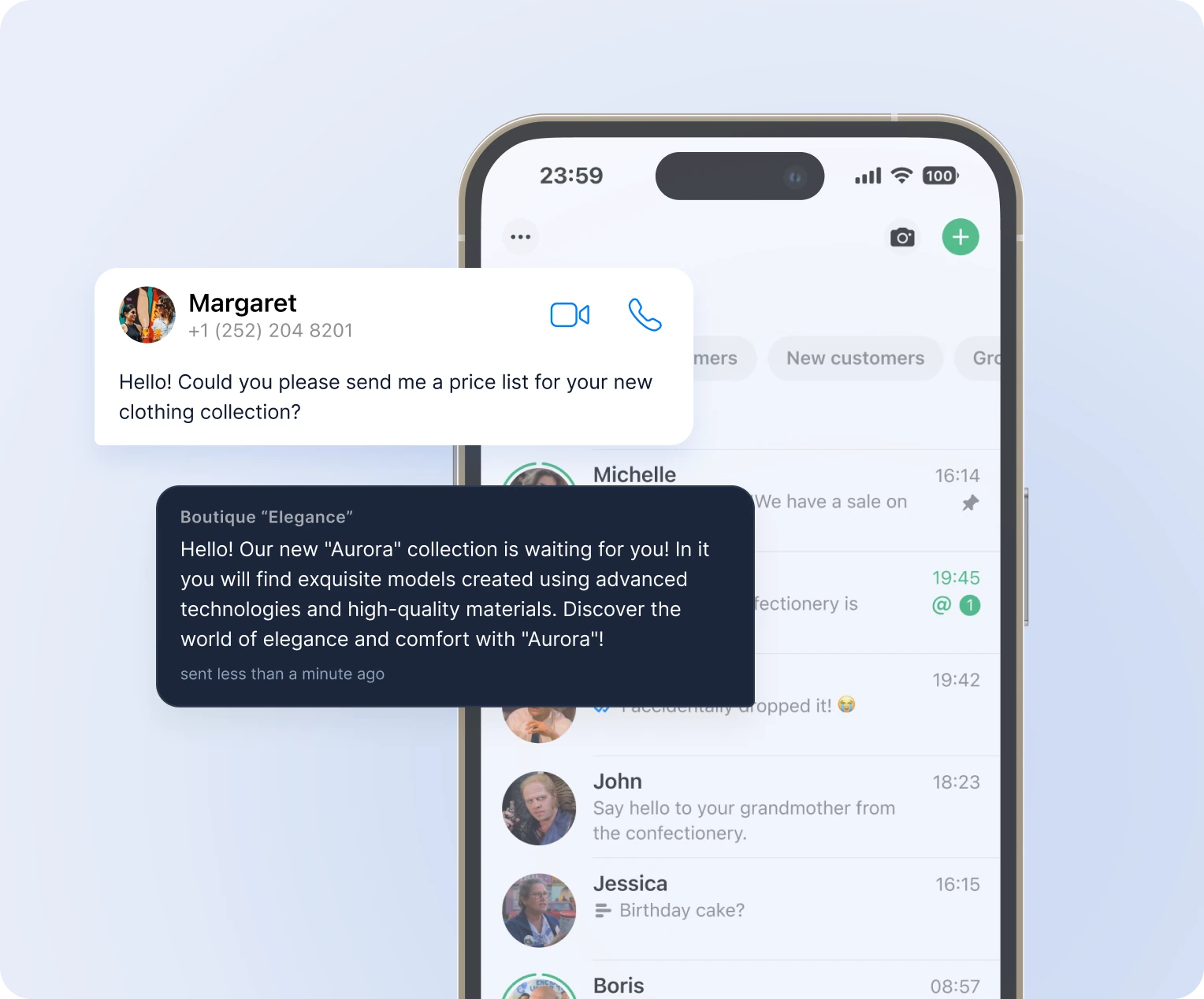
Automatic promotions, news, and personalized offers on WhatsApp
Turn your first message into a sale
See a customer conversation from start to sale


Simplify. Automate. Improve.
Why do businesses choose Mavibot?
Works with all messengers
Instagram, WhatsApp, Telegram, Facebook Messenger, email, website live chat — and any other channel your audience uses

Flexible customization
Adapt the platform to any business goal without complex integrations or technical expertise.
Launch without developers
Create a WhatsApp chatbot without any coding or technical skills.
Maximum reach
Expand your business and reach your audience across any channel: Telegram, Instagram, WhatsApp, Facebook, and more.
Powerful analytics
Track sales, leads, and conversions to optimize your marketing and automation strategies.
Who Mavibot is for?
We automate businesses of any size – from startups to large companies
Free plan. No credit card.
Step by Step
How to build a WhatsApp chatbot?
Connect your account to Mavibot
Link your business number to Mavibot to automate customer communication.
#1
Set up your funnel
In the Mavibot builder, create a sequence of messages and notifications — your first sales funnel.
#2
Add your content
Upload images, files, videos, and links to make conversations with your bot more engaging and interactive.
#3
Launch your chatbot
Test your funnel workflow in WhatsApp. Your chatbot is now ready to launch!
#4
What People Say About Us
Mavibot customer reviews



Business owners trust Mavibot
Alisa
Consulting
Alexandra
Technical Integrator
Andrey
Marketing Specialist, Data Analyst




Business owners trust Mavibot
No hidden fees or additional charges
Transparent pricing that scales with you.
Mavibot Plans comparison
- Pricing
- Free
- Business
- Mavibot AI
- Team members222
- Number of daily messages5010001000
- Live chat
- Builder
- Mavibot CRM
- Website builder
- Analytics
- Courses
- Webinars
- Broadcasts
- Calculator
- Working with API requests
- Working on Google Sheets
- Payments in the chatbot
- Integrations with payment systems (except Prodamus)
- Integrations with online education platforms (Bizon365, Getcourse, Prodamus, etc.)
Free
$ 0
Get started for free — no credit card required
Features
Up to 50 messages per day
LMS platform for up to 10 students
LMS platform for up to 10 students
Build 1 website or online shop
Sales and payments via chatbot
Business
$ 39
/ month
For educators and online schools
Features
Everything from the Free plan
Up to 1,000 messages per day
LMS platform for up to 1,000 students
Online education platform
Webinar platform
Mavibot AI
$ 59
/ month
For any business and companies
Features
Everything from the Business plan
AI assistant for customer communication
AI-powered sales funnel generation
AI communication in 100 languages
Connect AI to any chats and channels
Additional options
+1000 messages
per day
$ 4.90
+1000 emails
per day
$ 9.90
+2 GB
file storage
$ 1.90
+100 students
in a project
$ 9.90
Additional channel
$ 9.90
Additional employee
$ 9.90
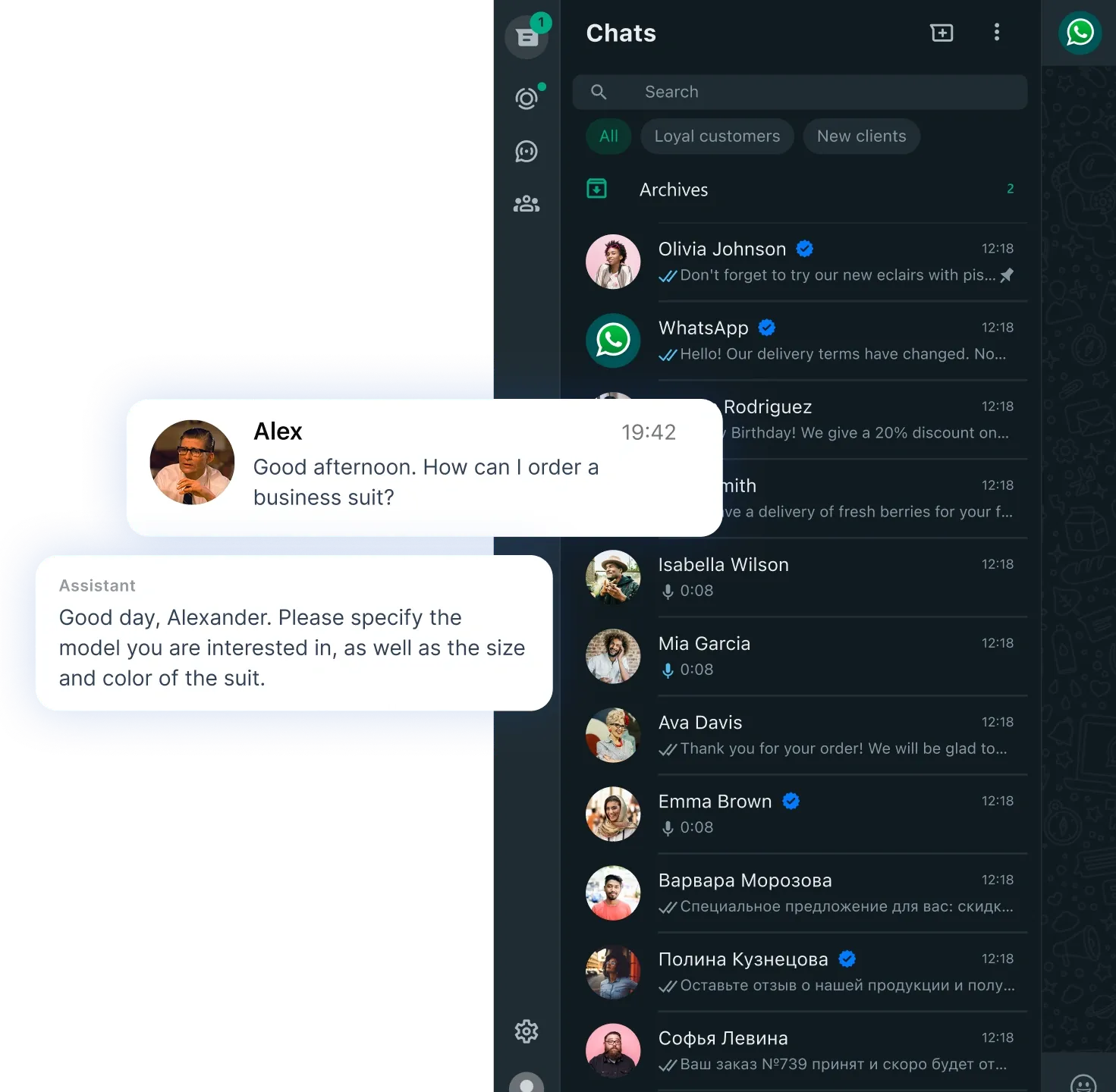
One service for all your needs.
Change the way you run
your business today
Automate WhatsApp. Communicate with customers and handle inquiries without manual work.
FAQ
Answers to your questions
Can I try Mavibot for free?
Of course! You can try Mavibot for free:
*3 days on the highest plan — full access to all features so you can explore everything the bot can do.
*A free plan — always available, so you can test the core functionality and use the bot without time limits.
This way you can choose the most convenient format to explore Mavibot.
*3 days on the highest plan — full access to all features so you can explore everything the bot can do.
*A free plan — always available, so you can test the core functionality and use the bot without time limits.
This way you can choose the most convenient format to explore Mavibot.
How do I collect leads using a WhatsApp chatbot?
A WhatsApp bot collects leads through interactive flows: it asks questions, captures contacts, and automatically creates CRM entries. In Mavibot, you can build a funnel that turns conversations into a steady stream of leads.
Can I connect CRM to a WhatsApp chatbot?
Yes, Mavibot integrates with CRM systems and automatically transfers all conversations, leads, and deals. This allows you to manage customers without manual data entry and track the entire customer journey in one place.
How does a WhatsApp chatbot work 24/7 without a manager?
A WhatsApp chatbot works 24/7 using automated scenarios and AI: it answers questions, collects leads, and helps sell services without human involvement. With Mavibot, you don't lose customers at night or on weekends.
How do I create an AI chatbot for WhatsApp?
Connect your WhatsApp business number to Mavibot. Then set up commands for the AI assistant, add information about your company and services, and choose its role (for example, a sales manager). After that, the bot will automatically respond to customers.
How do I create CRM deals from WhatsApp?
Just enable "Add leads to the first funnel stage" — and Mavibot will automatically add every new customer to your CRM. Deal creation can be configured at any stage of your pipeline.
Can I send broadcasts in WhatsApp?
Yes! You can send WhatsApp broadcasts using pre-approved message templates — required by WhatsApp to ensure reliable delivery and compliance with their platform rules. You can create and submit templates for approval directly in Mavibot, and once approved, you're ready to broadcast.
How do I connect WhatsApp Business to a bot?
The official WhatsApp Business API is used for connection. In Mavibot, the entire setup process is handled in the dashboard: you connect your business number, verify your account, and immediately start automating customer communication — no external developers needed.
Can I accept payments via WhatsApp?
Yes, you can embed a payment button into the bot flow — customers pay for products or services directly in the chat without leaving it. Mavibot supports popular payment providers such as Stripe, PayPal, and others.
How is a WhatsApp chatbot useful for small businesses?
A WhatsApp chatbot handles initial customer inquiries: it answers common questions, collects contacts, books services, and forwards requests to a manager. For small businesses, it's a way to operate 24/7 without hiring additional staff.
How can I increase sales with a WhatsApp chatbot?
Sales via WhatsApp chatbot increase through automated funnels: instant replies, lead nurturing, personalized offers, and built-in payments. In Mavibot, you can build a flow that guides users from the first message to purchase without a manager.
How do I set up auto-replies in WhatsApp for business?
Auto-replies are configured through bot scenarios: you define rules that trigger automatic responses. In Mavibot, you can set up greetings, FAQ responses, and routing to human agents.