Free CRM System for Your Business with leads, pipeline,
email & customer retention tools
All clients, deals and conversations in one system.
From first message to repeat sale — all on one platform.
Over 15,000 companies use Mavibot
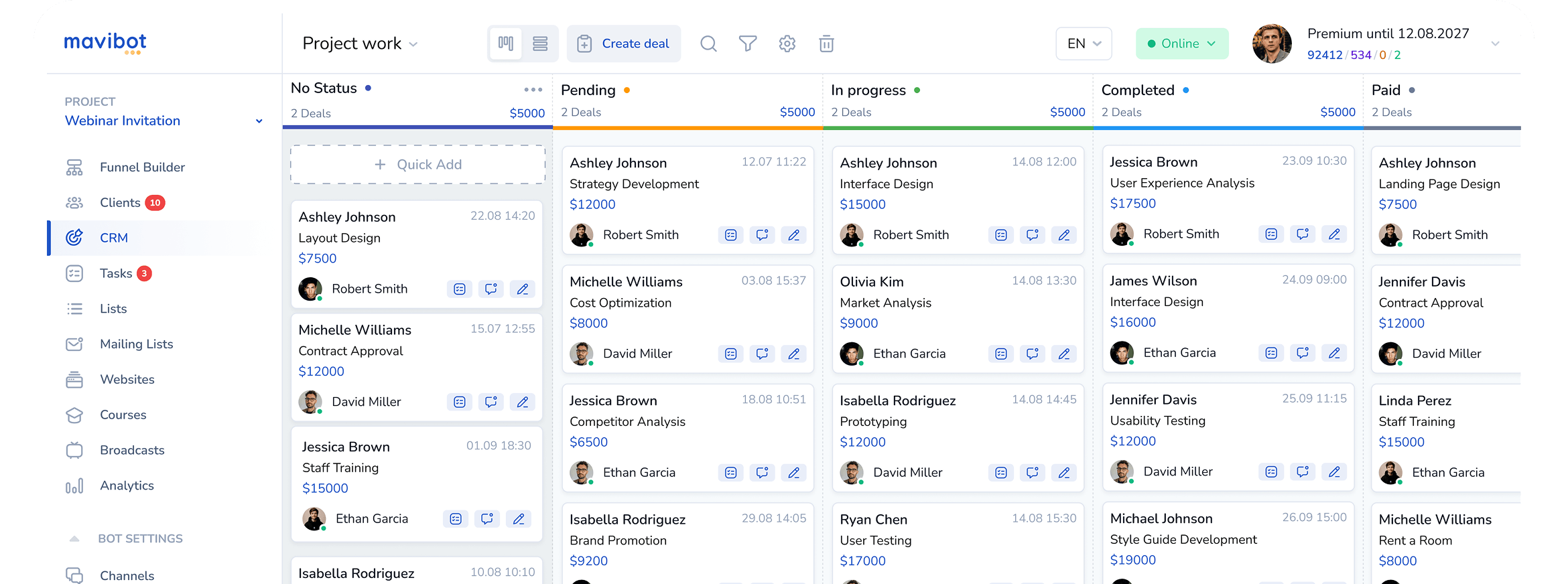
CRM Tools for Your Entire Sales Process
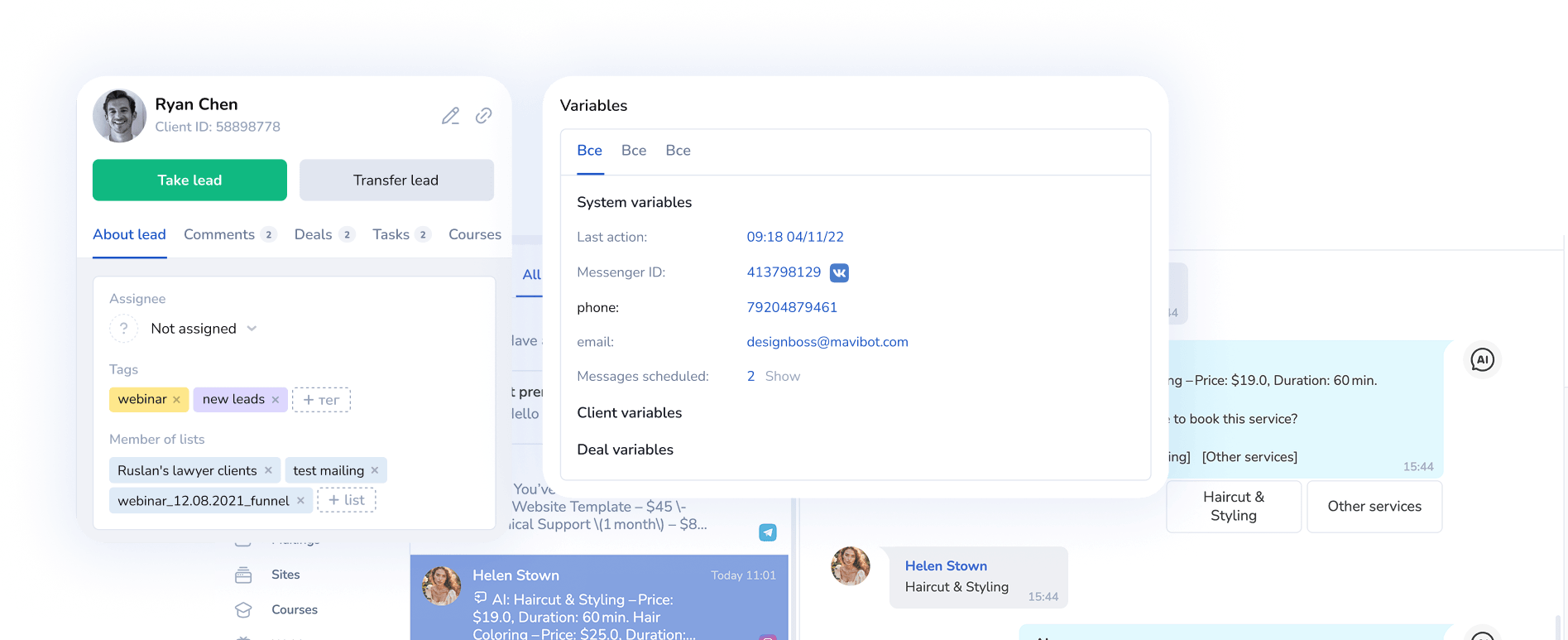
All Customer Data in One CRM System
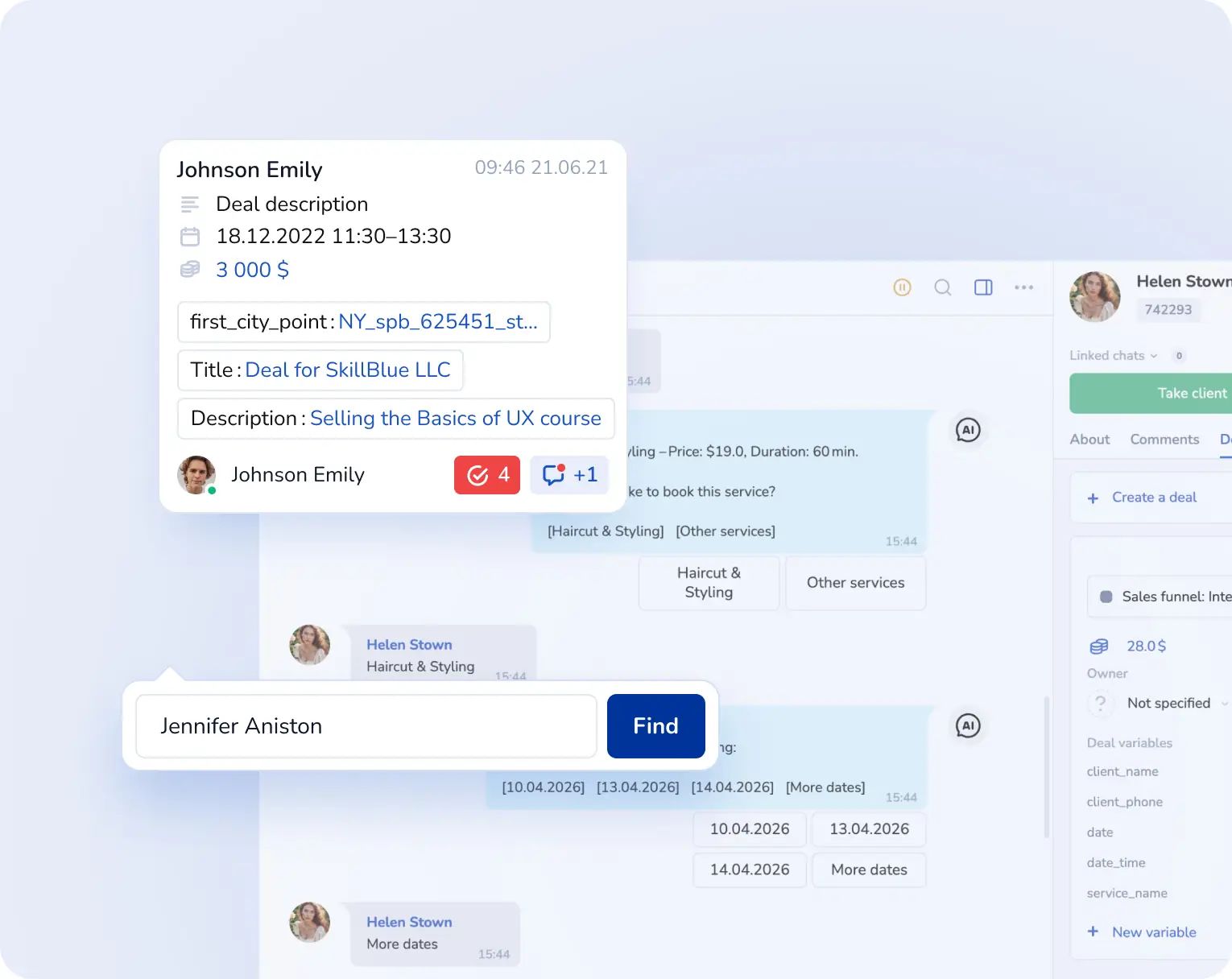
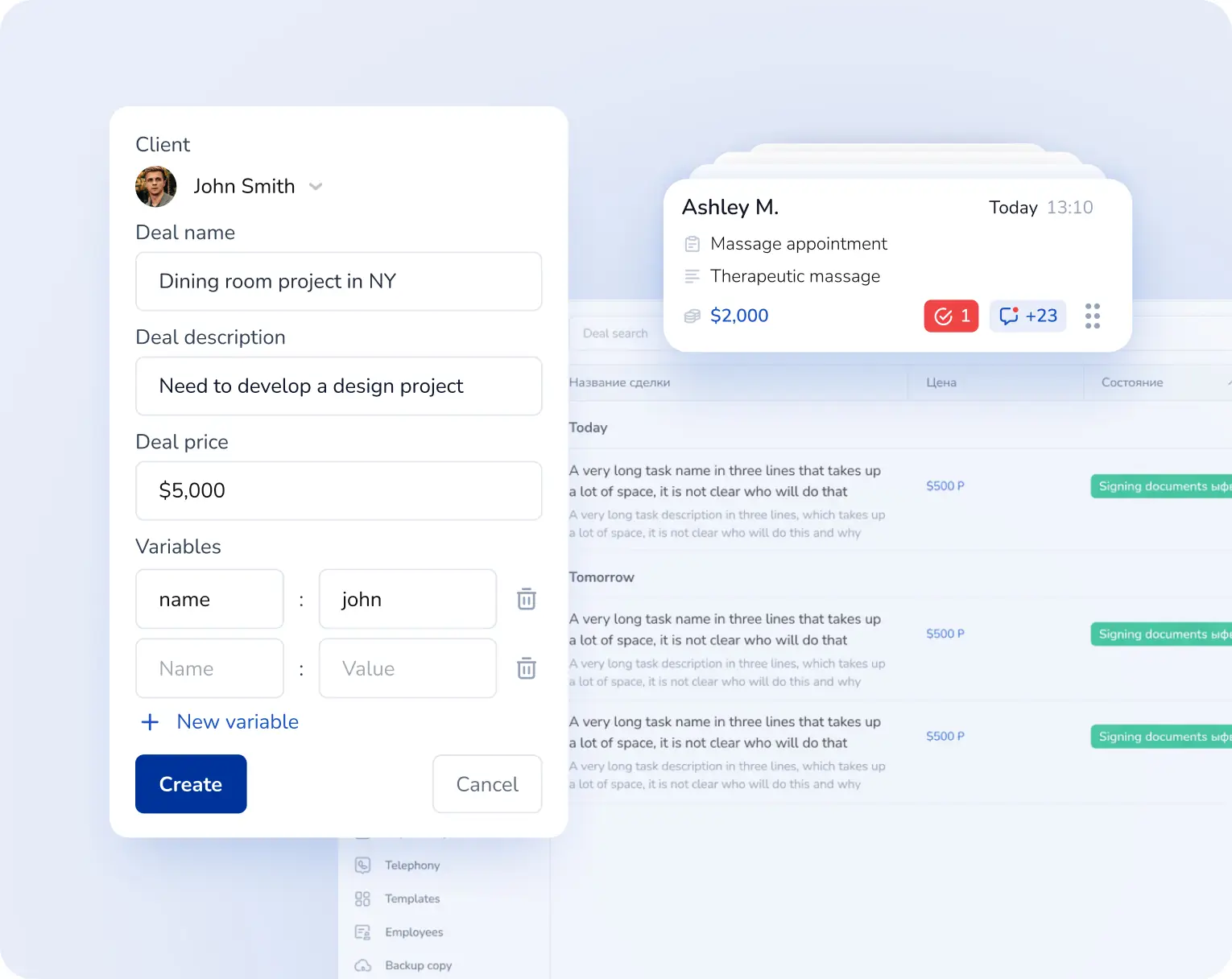
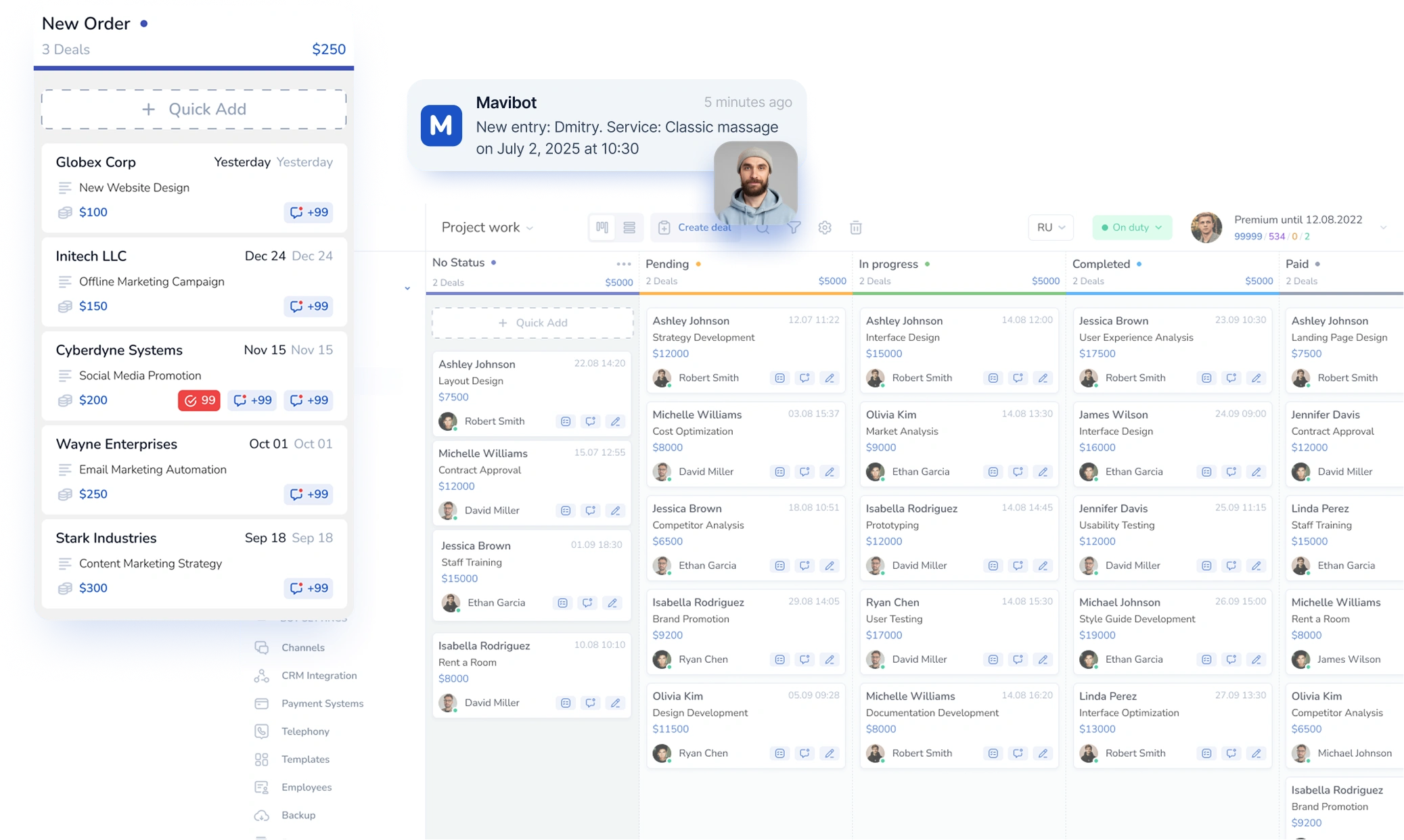
Full customer history — from first contact to final purchase — stored in your customer relationship management system.
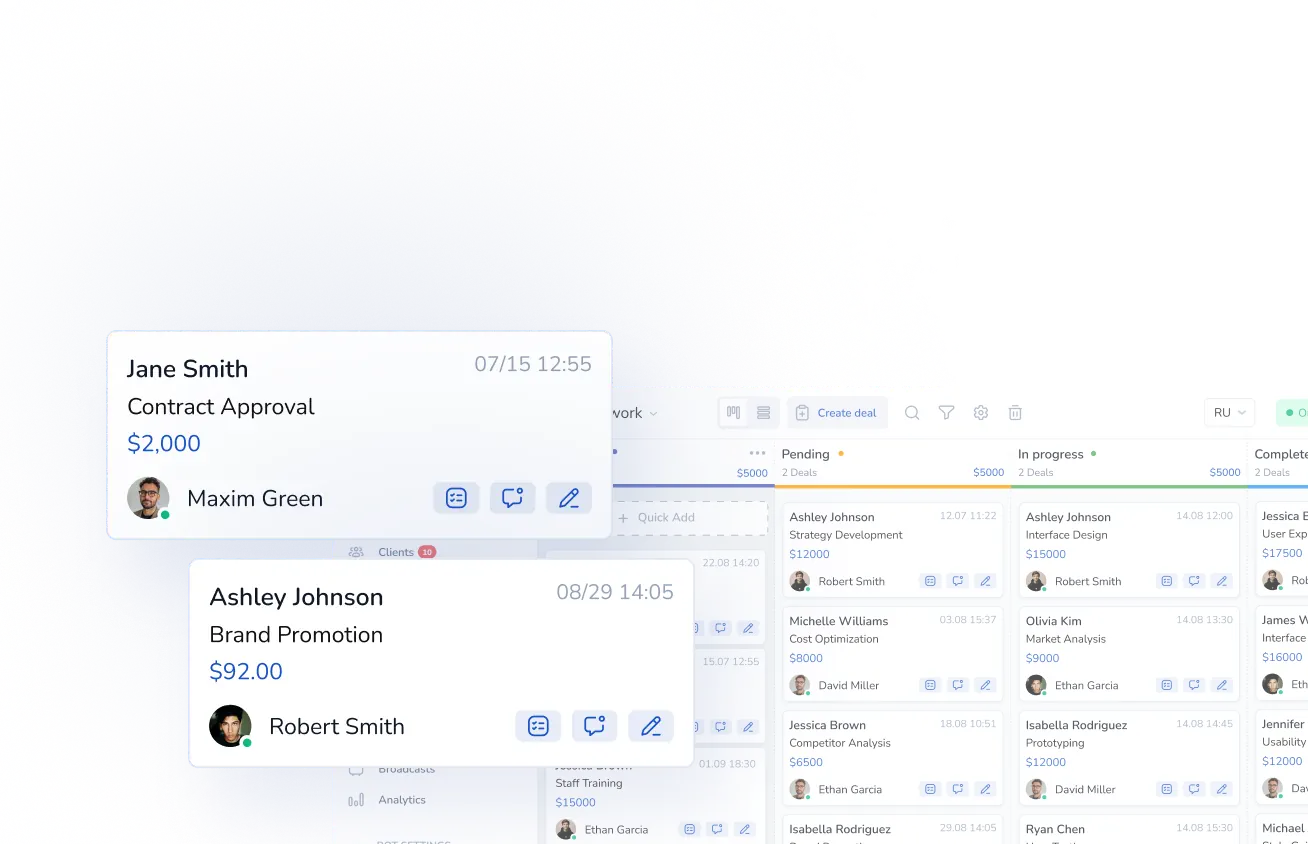
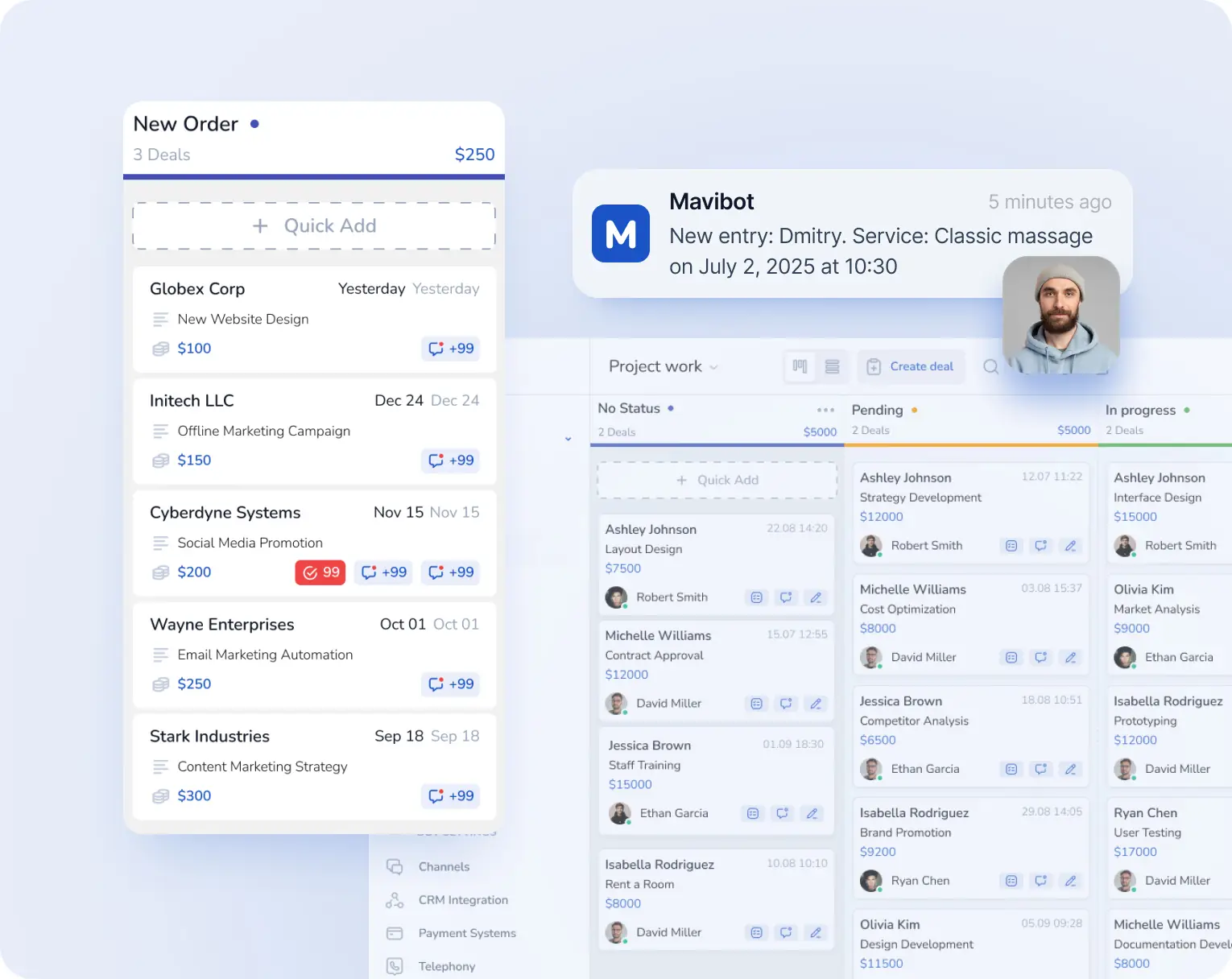
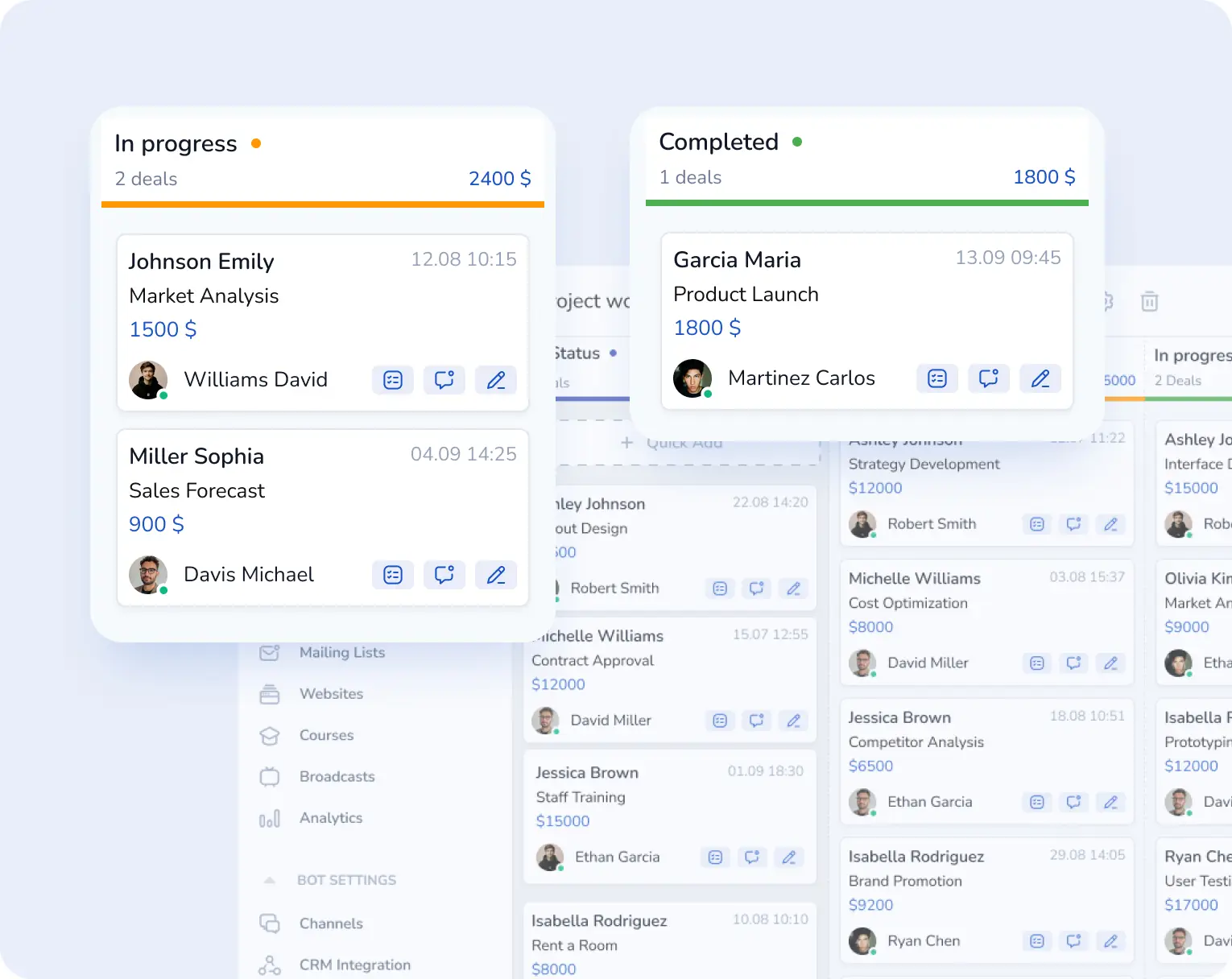
Full Control of Your CRM Pipeline
Track every deal at every stage and manage your CRM pipeline without losing leads.
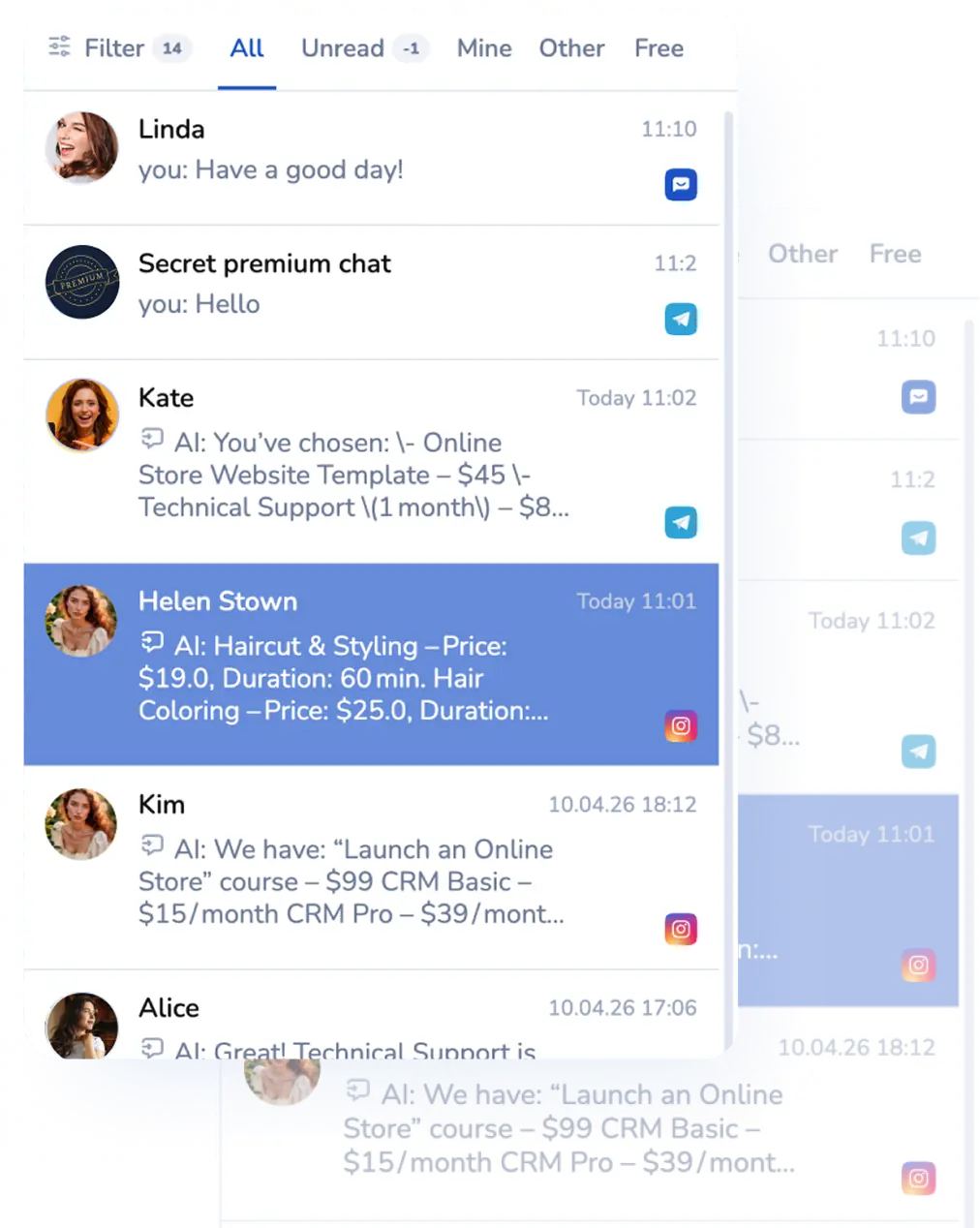
Automated Customer Communication
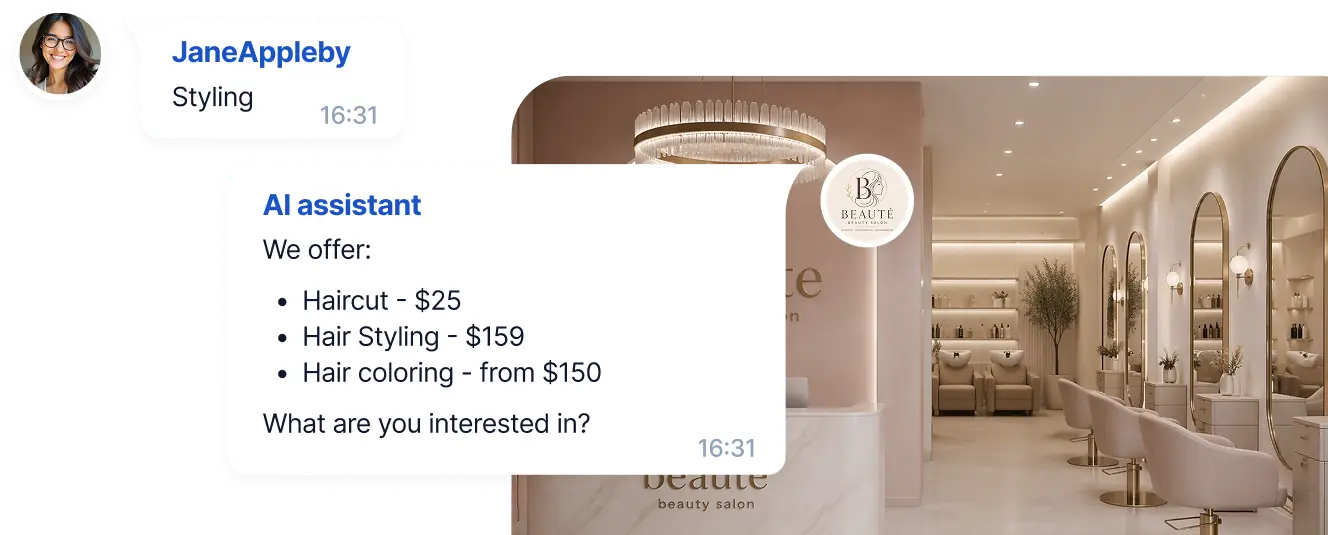
A smart chatbot handles most incoming inquiries and supports your customers 24/7.
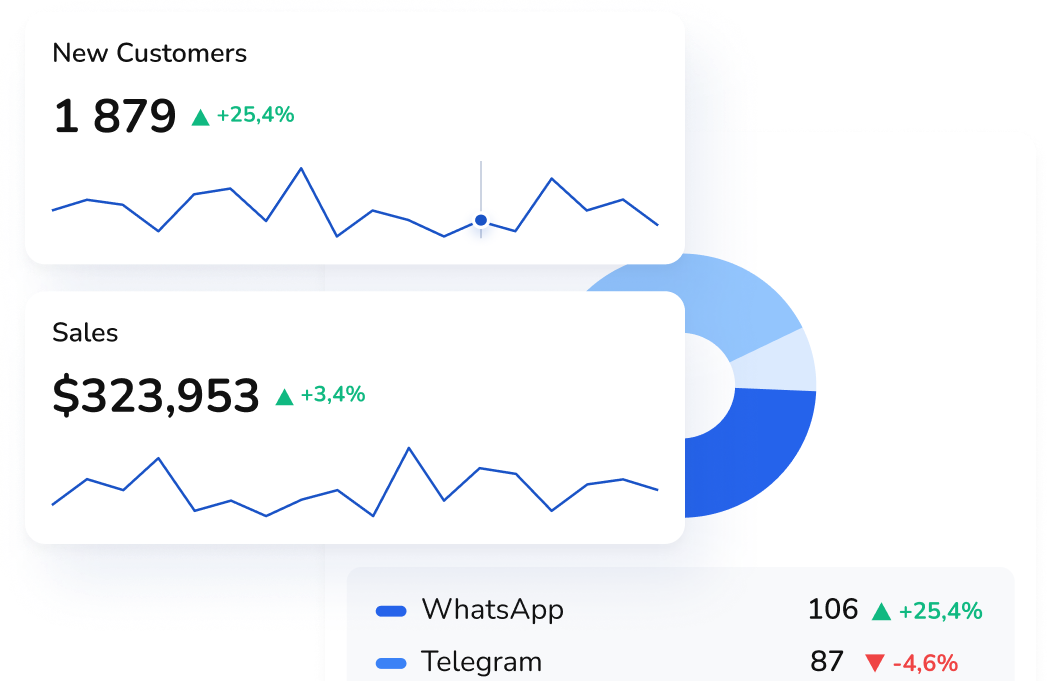
CRM Analytics & Sales Funnel Visibility
Track real performance metrics across every stage of your sales funnel.
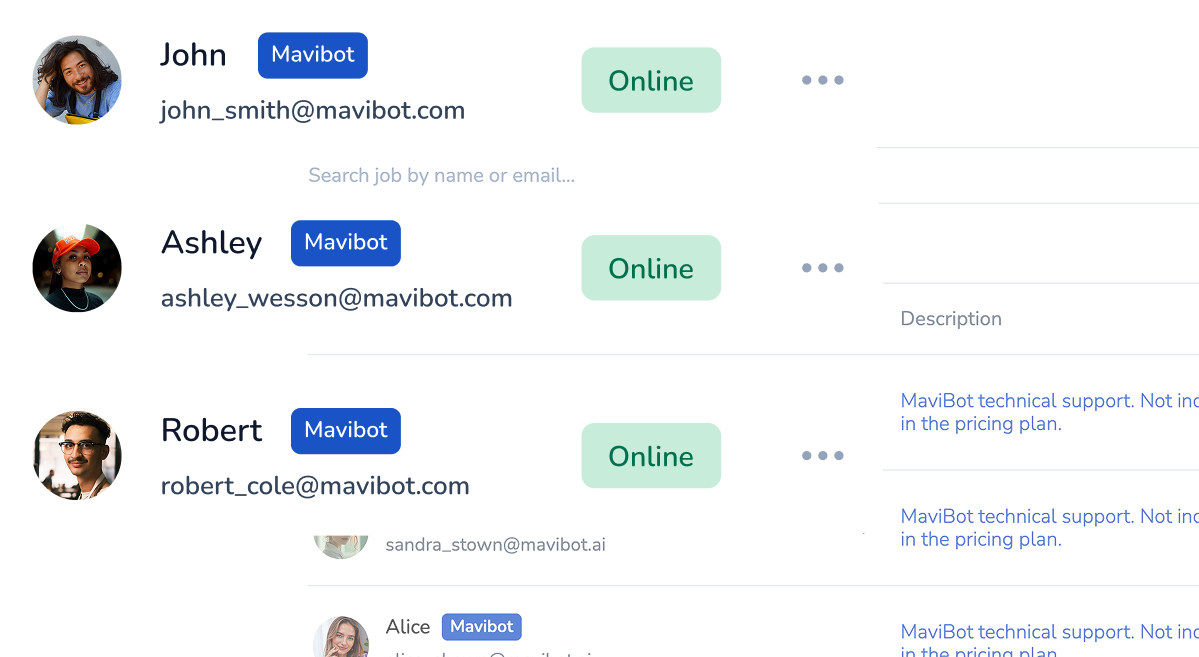
Automatic CRM Lead Assignment
New leads and deals are instantly assigned to the right managers.
Never Miss a Lead
or Client Request
Your CRM captures every website inquiry automatically — nothing gets lost.
One platform. Every workflow. Zero complexity.
Perfect for your business


Simplify. Automate. Improve.
Why businesses trust Mavibot
CRM setup without an integrator
Configure your CRM yourself using a visual builder. No need to hire a specialist or pay for basic setup.
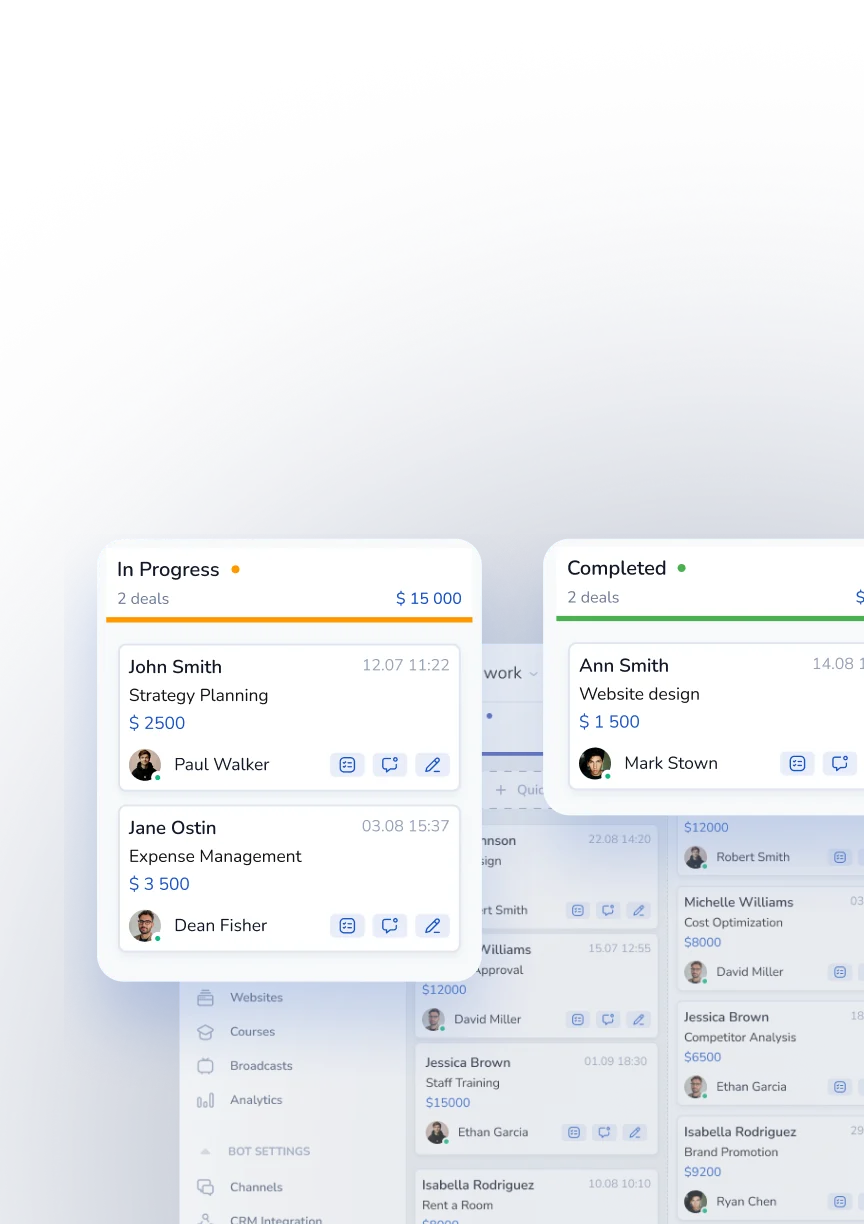
Intuitive interface
A clean interface with no unnecessary tabs or settings. Easy to understand and use on your own.
Fast and smooth
Deals, contacts, and tasks open quickly even with large amounts of data, without slowing down.
End-to-end sales analytics
Track deals, conversion rates, and sales team performance in real time—all in one dashboard with full visibility and control.
Mobile-friendly
All features are available in the mobile app. Manage deals and tasks anywhere, not just from your computer.
Who is Mavibot for?
We automate businesses of any size – from startups to large enterprises
Free plan. No credit card.
Step by step
How to use CRM for business?
Create an account
Sign up for Mavibot and create your first project.
#1
Connect your channels
Connect messengers and your website in a few steps — all conversations come into one system.
#2
Set up a funnel
Define deal stages, set currency, and build automated message flows for messenger communication.
#3
Communicate with customers
When customers message you in chat, their conversation appears in the relevant stage of the funnel.
#4
Growth stories
How our clients use Mavibot
Real stories from 15,000+ companies on the platform
DENTAL CLINIC NETWORK · CRM
CRM for a Dental Clinic Network
Centralises patient enquiries and automatically distributes them between clinic branches.
Read the story
REAL ESTATE AGENCY · CRM
CRM for a Real Estate Agency
Keeps buyer follow-ups on schedule with automated tasks and reminders.
PROFESSIONAL BEAUTY PRODUCTS STORE · CRM
CRM for a Professional Beauty Products Store
Creates a complete customer and order history across communication channels.
INDUSTRIAL EQUIPMENT DISTRIBUTOR · CRM
CRM for an Industrial Equipment Distributor
Gives management real-time visibility into deals, performance and sales bottlenecks.
FITNESS CLUB CHAIN · CRM
CRM for a Fitness Club Chain
Helps staff recognise returning members and provide more relevant offers.
How Mavibot helped prevent patient enquiries from being lost between branches
How Mavibot helped agents follow up with buyers at the right time
How Mavibot created a complete customer history across multiple channels
How Mavibot gave management a real-time view of the sales pipeline
How Mavibot helped staff recognise returning clients and make relevant offers
What People Say About Us
Mavibot customer reviews




Business owners trust Mavibot
Alec
Service Center Manager
Natalie
Director of a Language Center
Nick
CEO of a Car Detailing Studio
Tim
CTO (Chief Technology Officer)




Business owners trust Mavibot
No hidden fees or additional charges
Transparent pricing that scales with you.
Mavibot Plans comparison
- Pricing
- Free
- Business
- Mavibot AI
- Team members222
- Number of daily messages5010001000
- Live chat
- Builder
- Mavibot CRM
- Website builder
- Analytics
- Courses
- Webinars
- Broadcasts
- Calculator
- Working with API requests
- Working on Google Sheets
- Payments in the chatbot
- Integrations with payment systems (except Prodamus)
- Integrations with online education platforms (Bizon365, Getcourse, Prodamus, etc.)
Free
$ 0
Get started for free — no credit card required
Features
Up to 50 messages per day
LMS platform for up to 10 students
LMS platform for up to 10 students
Build 1 website or online shop
Sales and payments via chatbot
Business
$ 39
/ month
For educators and online schools
Features
Everything from the Free plan
Up to 1,000 messages per day
LMS platform for up to 1,000 students
Online education platform
Webinar platform
Mavibot AI
$ 59
/ month
For any business and companies
Features
Everything from the Business plan
AI assistant for customer communication
AI-powered sales funnel generation
AI communication in 100 languages
Connect AI to any chats and channels
Additional options
+1000 messages
per day
$ 4.90
+1000 emails
per day
$ 9.90
+2 GB
file storage
$ 1.90
+100 students
in a project
$ 9.90
Additional channel
$ 9.90
Additional employee
$ 9.90
One service for all your needs.
Change the way you run
your business today
Connect your CRM. Manage clients and sales.
All your data — in one system.
FAQ
Answers to your questions
What is CRM software and what does CRM stand for?
CRM stands for Customer Relationship Management. It's a software platform that centralizes all your customer data — contact history, deals, conversations from WhatsApp, Instagram, Facebook Messenger, and email — in one place, so your team never loses a lead or misses a follow-up. Mavibot includes a built-in CRM system in every plan, including the free one, with no setup fees or developers required.
Do I need a CRM for my small business?
If you're managing customers in spreadsheets, losing track of conversations across multiple apps, or missing follow-ups — you need a CRM. Research shows CRM software delivers an average ROI of $8.71 for every $1 spent, and 55% of businesses see a return within six months. Mavibot CRM is designed specifically for small businesses, solopreneurs, and service providers who want to grow without hiring extra staff or paying for complex enterprise tools.
Is there a free CRM for small businesses?
Yes. Mavibot offers a free plan with all the core CRM features — customer database, interaction history, deal tracking, and messenger integrations. It's one of the best free CRM solutions for freelancers, coaches, beauty salons, clinics, and any service-based business. When your business grows, upgrading to a paid plan takes just a few clicks — no data migration, no downtime.
How does a CRM system work?
With Mavibot CRM, every time a customer reaches out — via WhatsApp, Instagram, Facebook Messenger, or your website — their message lands in a unified inbox and a customer card is created automatically. Your team can see the full history of every interaction, which service was booked, when the last visit was, and what follow-up is needed. The system sends automated reminders, tracks deal stages, and keeps the entire pipeline visible in one dashboard — 24/7.
What is the best CRM for service-based businesses?
Mavibot is built for service businesses that work with appointments, bookings, and repeat clients — beauty salons, barbershops, clinics, spas, fitness coaches, consultants, and more. It combines a CRM, online booking system, AI assistant, and multi-channel inbox in one platform. Every booking automatically creates or updates a client record, so your customer history is always complete without any manual data entry.
Does Mavibot CRM integrate with WhatsApp, Instagram, and Facebook?
Yes. Mavibot CRM has native integrations with WhatsApp Business, Instagram, Facebook Messenger, Telegram, and other popular messaging channels. All customer conversations from every channel arrive in one unified inbox. Your team replies from a single interface, no app-switching required, and every message is automatically saved to the client's profile for full conversation history.
How do I choose the right CRM for my business?
When choosing a CRM for a small or service-based business, look for easy no-code setup, a mobile app, messenger and social media integrations, built-in online booking, automated reminders, and transparent pricing with no hidden fees. Mavibot checks all of these boxes in one platform — CRM, chatbot builder, online booking, email campaigns, and AI assistant — without needing a developer or IT team to get started.
What is the difference between a CRM and a spreadsheet?
A spreadsheet stores data. A CRM works with it. With Mavibot CRM, customer data is captured automatically from WhatsApp, Instagram, and your website — no manual entry. You get a full sales pipeline, automated follow-up reminders, appointment history, and real-time analytics. As your business scales, a spreadsheet becomes a liability — leads fall through the cracks, follow-ups get missed, and there's no visibility across the team. A CRM turns that chaos into a system that runs itself.