AI website builder
Your idea becomes a business in minutes
A few words. A few minutes. Your website is ready.

Trusted by over 15,000 businesses
Bring your business concept to life in a few clicks
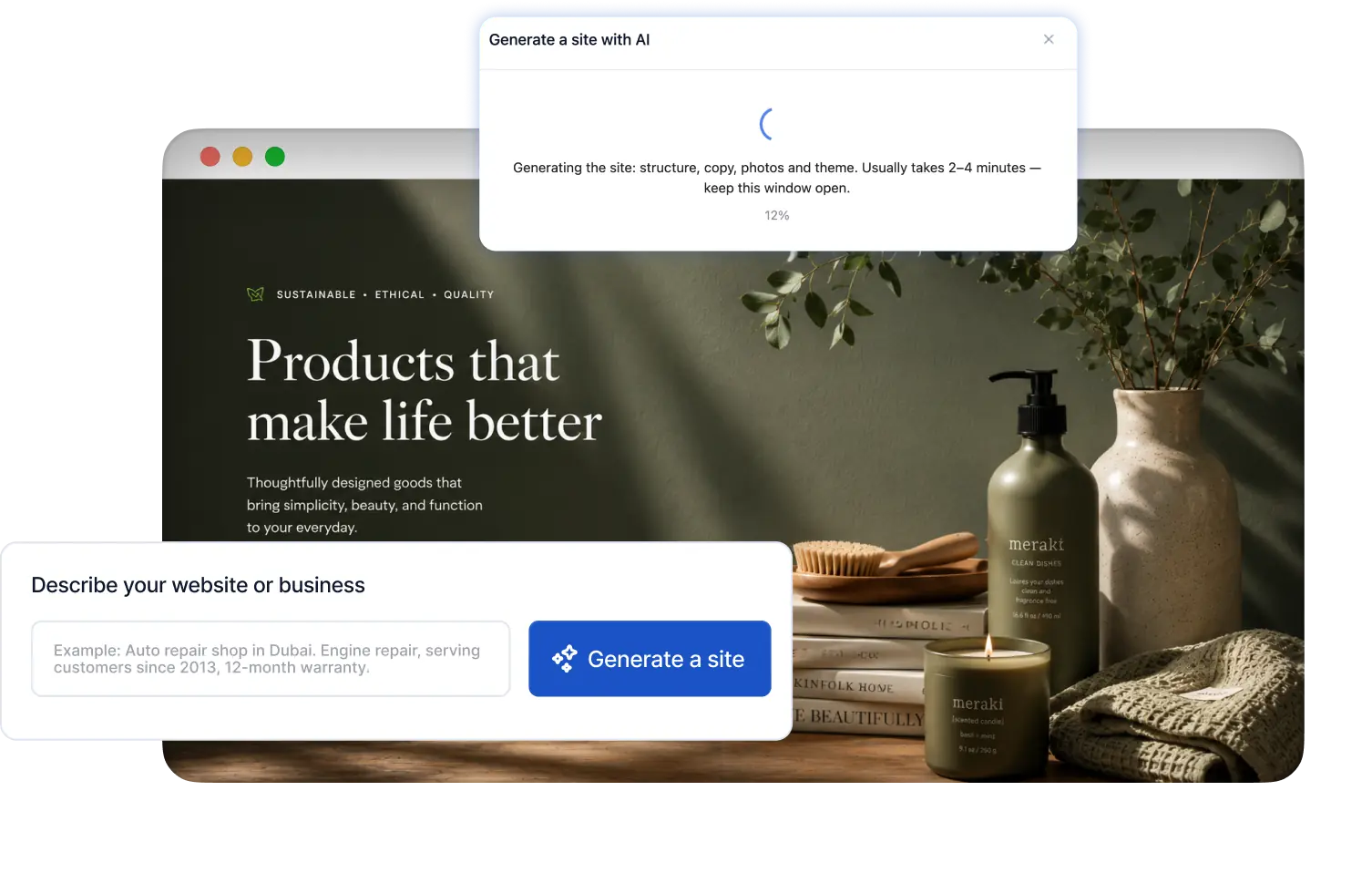
AI-powered website generation in minutes
AI creates your design, persuasive copy, site structure, and images in minutes.
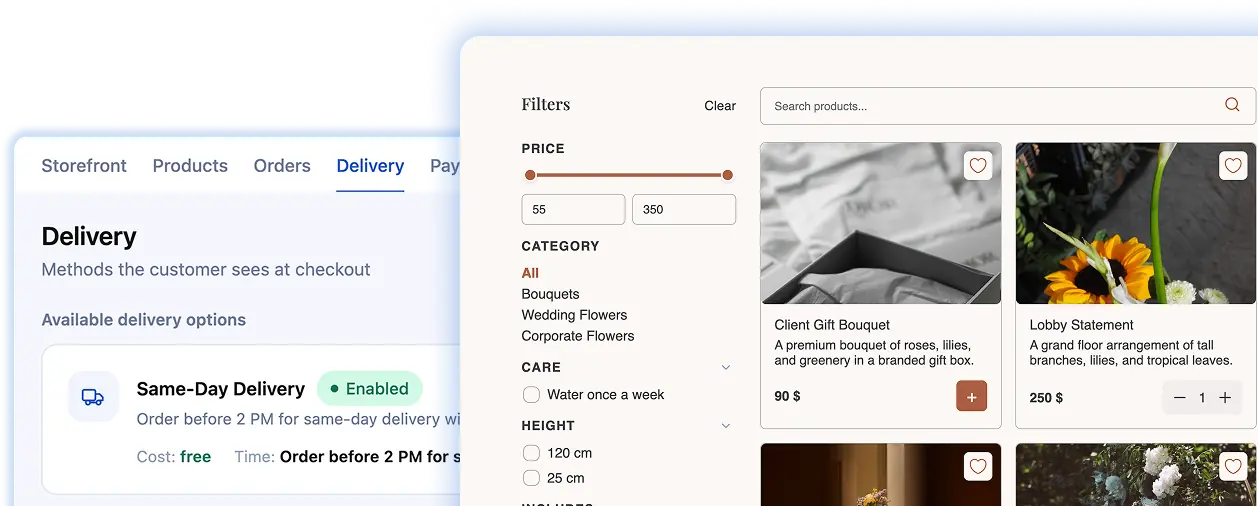
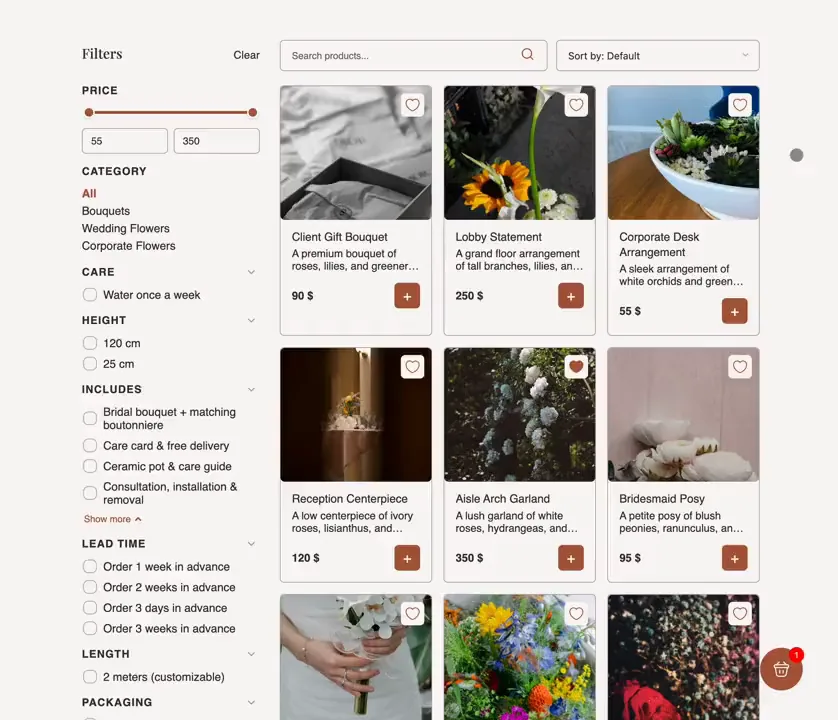
A product catalog for a fully featured online shop
Launch your webshop with a complete eCommerce structure, including product pages, a catalog, and a shopping cart.
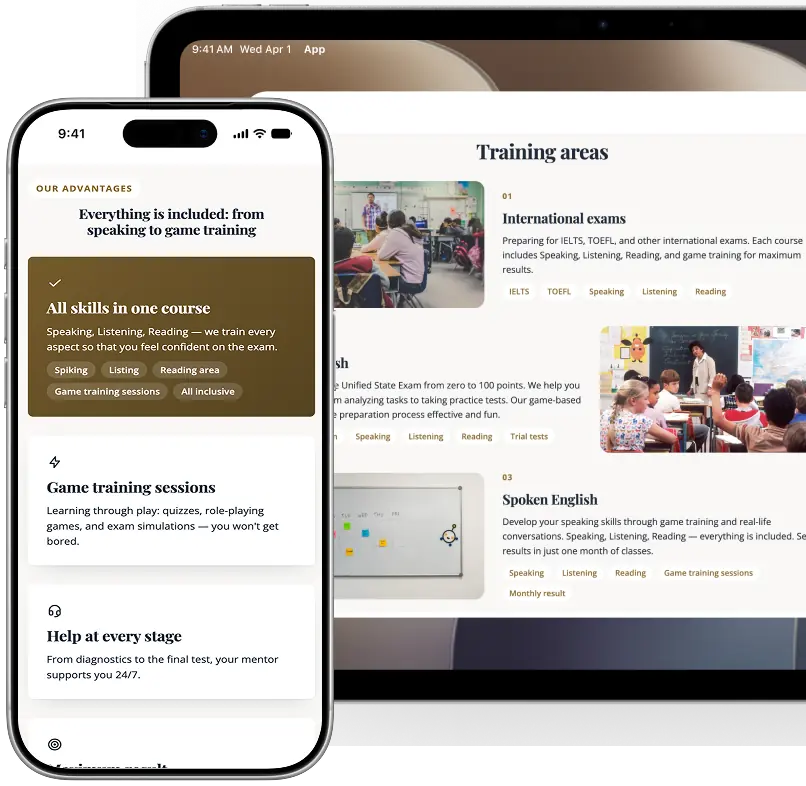
A fully responsive website for every device
Reach more customers with AI-powered websites that automatically adapt to any device.
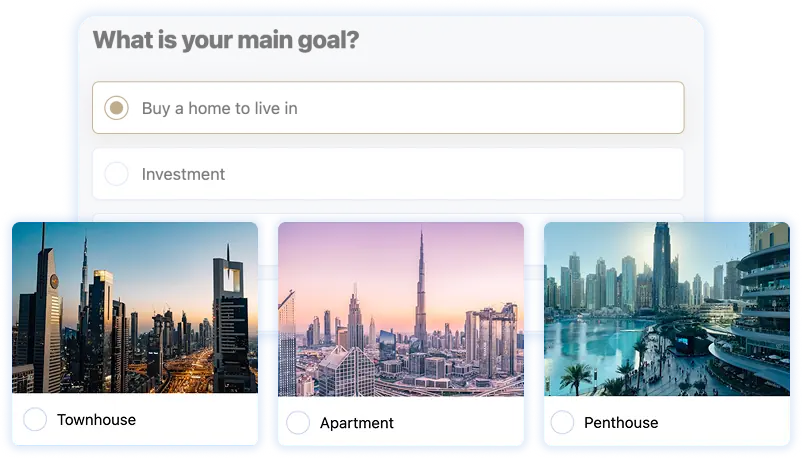
Lead Generation Quizzes
Learn more about your customers before the first conversation with interactive quizzes.
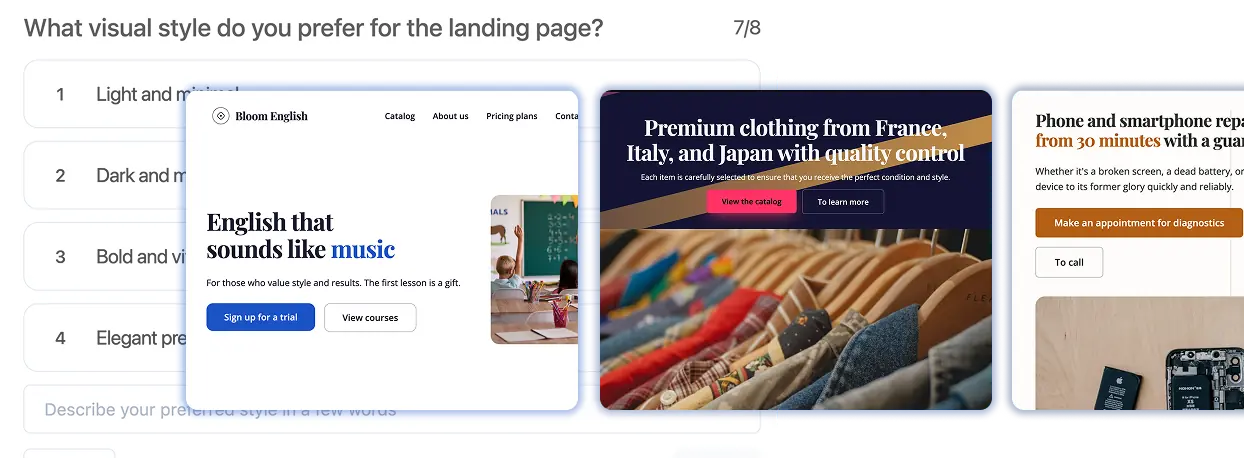
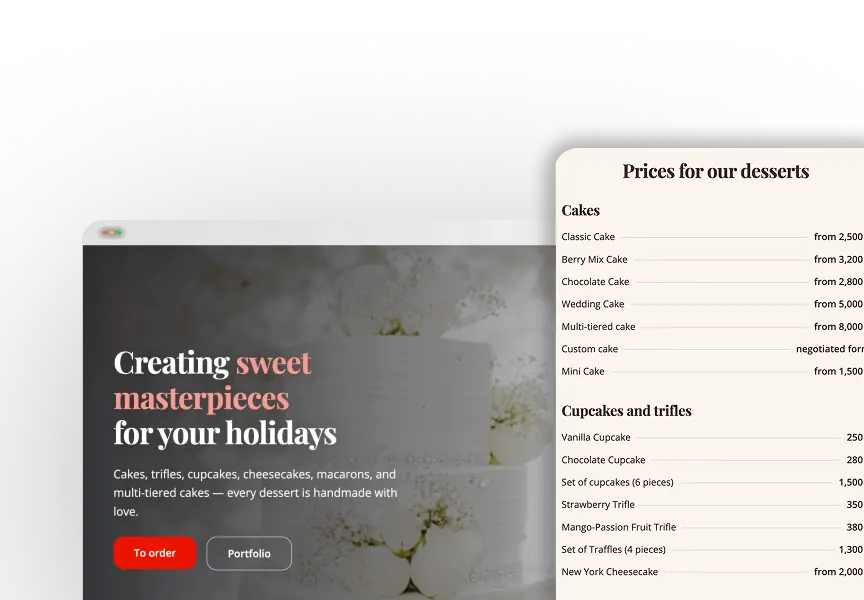
Multi-Page Websites & Landing Pages
Launch eye-catching websites that help you attract more customers.
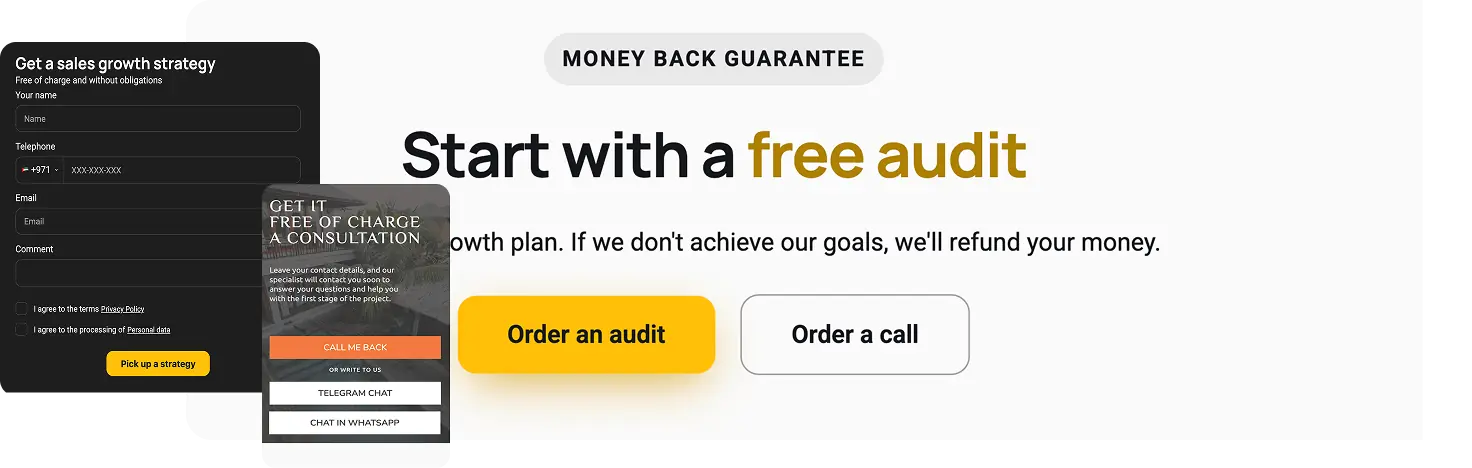
Lead Capture Pages
& Contact Forms
& Contact Forms
Collect leads and inquiries directly
through your website.
through your website.
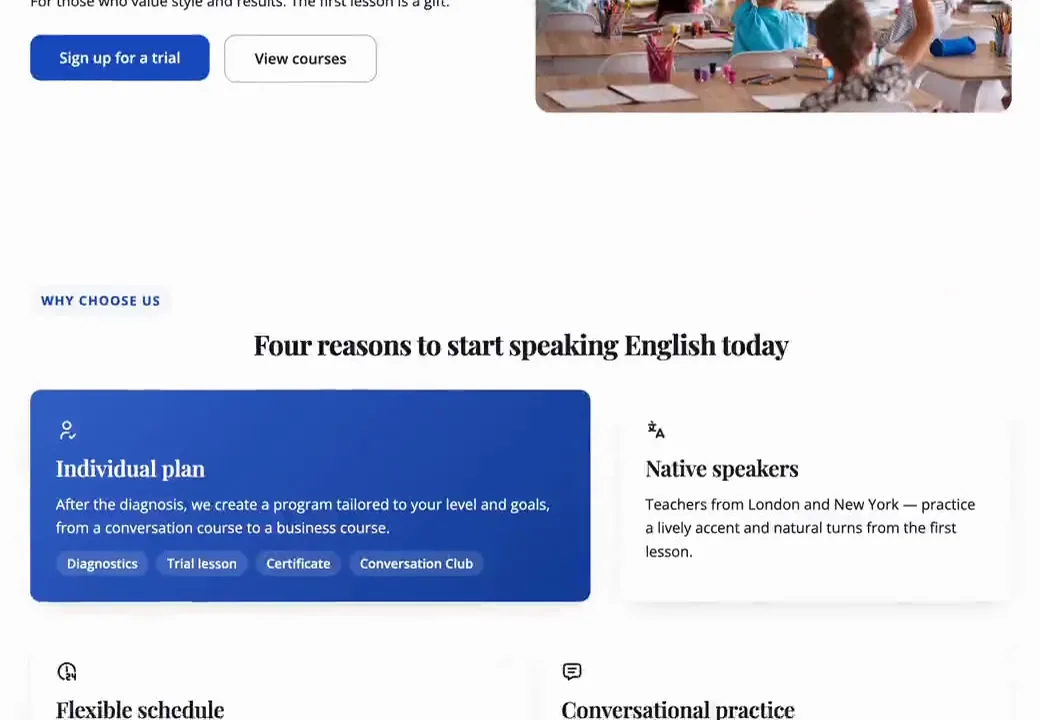
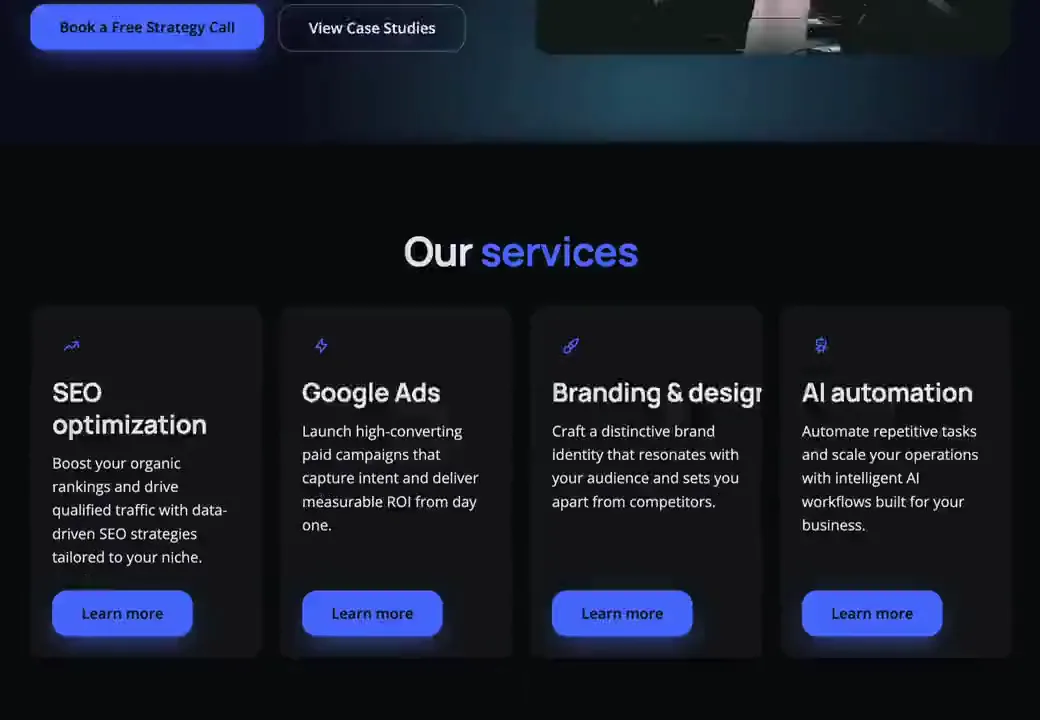
Websites Built with Mavibot
AI creates a website tailored to your business.

Simplify. Automate. Grow.
Why businesses trust Mavibot?
Unlimited Websites
Create as many websites as you need on any paid plan — no extra fees and no feature limitations.
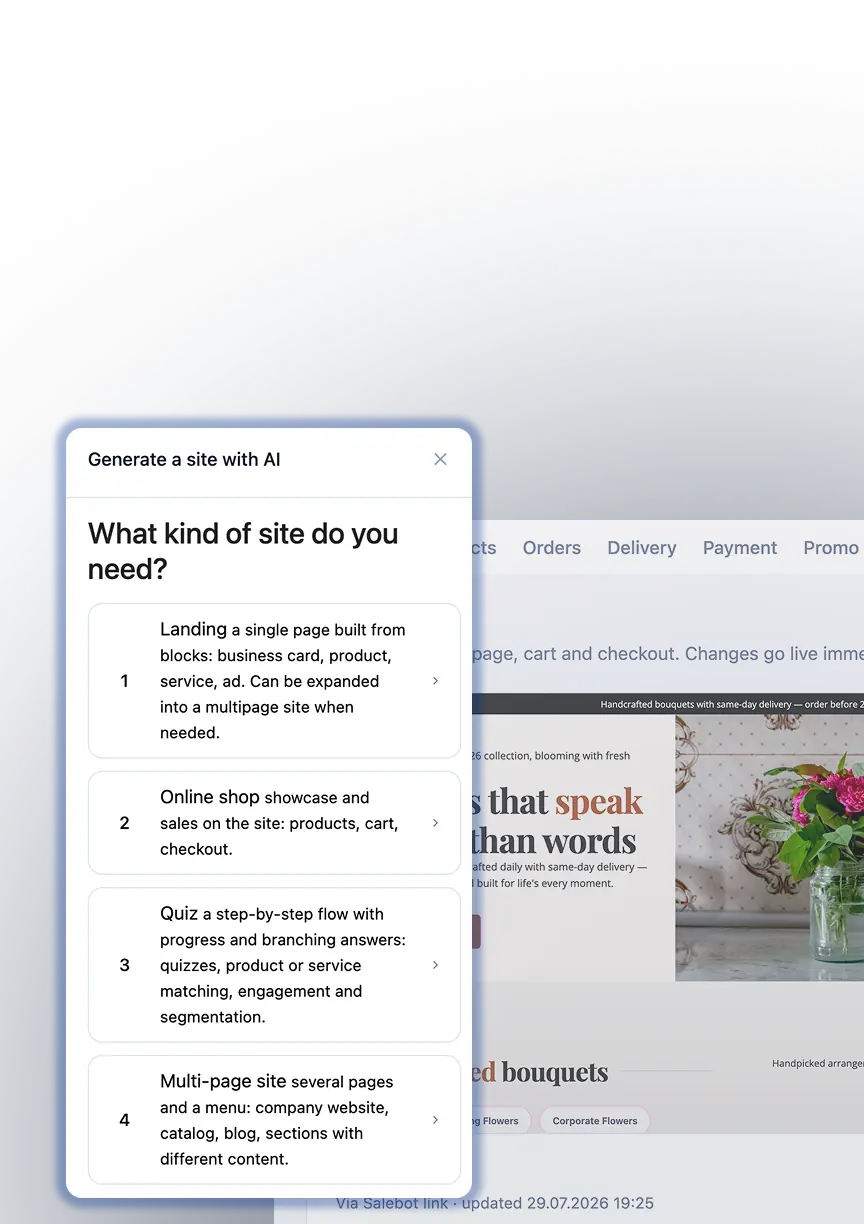
Launch Without a Developer
AI generates your website in minutes — all you need to do is keep your content and images up to date.
Any Website. No Extra Cost.
Create online stores, landing pages, multi-page websites, and quizzes — or combine them all in one project.
No Hidden Fees
No hidden charges, no commissions, and no surprise payments. Just transparent pricing.
Expand Your Sales Reach
Websites, CRM, email campaigns, chatbots, course builder, online booking
Who is Mavibot for?
From startups to enterprise companies – we automate your business
Free plan. No credit card.
Step by step
How to Create a Website with Mavibot in Four Steps
Create Your Mavibot Account
Sign up for Mavibot and create your first project.
#1
Describe Your Business and Website
Go to the Websites section and tell the AI about your business, what you want your website to include, and choose a design.
#2
Sit Back and Relax
AI generates your website in just a few minutes — all you have to do is wait.
#3
Launch Your Website
Save your settings, publish your website, and start growing your business.
#4
Growth stories
How our clients use Mavibot
Real stories from 15,000+ companies on the platform
WEBSITE FOR AN EVENT AND WEDDING PLANNER · WEBSITE BUILDER
Website for an Event and Wedding Planner
Presents event services, packages and portfolio projects through a professionally structured website.
Read the story
ONLINE SHOP FOR A PERSONALISED GIFTS STORE · WEBSITE BUILDER
Online Shop for a Personalised Gifts Store
Collects customisation details, accepts payments and tracks personalised orders in CRM.
ONLINE SHOP FOR A FURNITURE STORE · WEBSITE BUILDER
Online Shop for a Furniture Store
Organises furniture collections and supports both direct purchases and custom-order enquiries.
WEBSITE FOR AN ACCOUNTING FIRM · WEBSITE BUILDER
Website for an Accounting Firm
Explains complex accounting services and directs visitors to the right solution.
WEBSITE FOR A TOURS COMPANY · WEBSITE BUILDER
Website for a Tours Company
Presents tour programmes clearly and collects structured booking requests online.
How Mavibot helped launch a clear service website without a development team
How Mavibot helped turn custom orders into a structured online sales process
How Mavibot helped customers browse collections and order furniture online
How Mavibot helped explain complex services and generate qualified enquiries
How Mavibot helped launch a clear service website without a development team
What People Say About Us
Mavibot customer reviews




Business owners trust Mavibot
Irene
Marketing Specialist, SMM Manager
Dennis
Entrepreneur
Aly
Beauty Salon Owner
Daniel
Daniel




Business owners trust Mavibot
No hidden fees or additional charges
Transparent pricing that scales with you.
Mavibot Plans comparison
- Pricing
- Free
- Business
- Mavibot AI
- Team members222
- Number of daily messages5010001000
- Live chat
- Builder
- Mavibot CRM
- Website builder
- Analytics
- Courses
- Webinars
- Broadcasts
- Calculator
- Working with API requests
- Working on Google Sheets
- Payments in the chatbot
- Integrations with payment systems (except Prodamus)
- Integrations with online education platforms (Bizon365, Getcourse, Prodamus, etc.)
Free
$ 0
Get started for free — no credit card required
Features
Up to 50 messages per day
LMS platform for up to 10 students
LMS platform for up to 10 students
Build 1 website or online shop
Sales and payments via chatbot
Business
$ 39
/ month
For educators and online schools
Features
Everything from the Free plan
Up to 1,000 messages per day
LMS platform for up to 1,000 students
Online education platform
Webinar platform
Mavibot AI
$ 59
/ month
For any business and companies
Features
Everything from the Business plan
AI assistant for customer communication
AI-powered sales funnel generation
AI communication in 100 languages
Connect AI to any chats and channels
Additional options
+1000 messages
per day
$ 4.90
+1000 emails
per day
$ 9.90
+2 GB
file storage
$ 1.90
+100 students
in a project
$ 9.90
Additional channel
$ 9.90
Additional employee
$ 9.90
One service for all your needs.
Change the way you run
your business today
Create a website or online shop. Start selling online. Everything
you need to launch in one system.
FAQ
Answers to your questions
Can I create a website without a developer?
Yes, in Mavibot you can build a complete website without a developer or any code using a visual editor. Add blocks, text, images and forms, then launch your site on your own.
How many websites can I create in Mavibot?
On a paid plan you can create unlimited websites and online shops at no extra cost. The free plan includes 1 website or shop to get started with no investment.
Can I automate order and request management?
Yes, Mavibot automates the entire customer journey — from a website inquiry to order confirmation. Notifications, reminders and follow-ups can be configured via automated scenarios without any coding.
Can I sell courses and digital products through my website?
Yes, Mavibot is great for selling products, services and online courses. You can connect an LMS platform, set up automatic access after payment and manage your students from a single system.
Is the builder suitable for landing pages and promotional pages?
Yes, the builder is perfect for creating landing pages and promotional pages for ad campaigns, special offers and promotions. You can capture leads and start selling directly from these pages.
How do I create an online shop from scratch on my own?
In Mavibot you can build an online shop on your own without a developer: add products, set up a catalog, shopping cart, payment processing and launch sales. Everything is done in a visual interface — from design to connecting payments.
Can I build an online shop with a product catalog and shopping cart?
Yes, Mavibot lets you set up a fully featured online shop with a product catalog, shopping cart, checkout and delivery options — no developers needed.
What do I need to accept orders and payments on my website?
Just set up your request forms, connect a payment system and start accepting orders. Mavibot integrates with major payment solutions — no developer required.
Can I connect my website or online shop to a CRM?
Yes, orders and requests from your website are automatically sent to the built-in Mavibot CRM, where you can manage clients, sales funnels and analytics in one system.
Can I launch my website on a custom domain?
Yes, your website or online shop can easily be published on your own domain (e.g. yourwebsite.com). Setup takes just a few steps with no technical knowledge required.
Will the website be mobile-friendly and optimized for search?
Yes, all websites in Mavibot automatically adapt to mobile devices and tablets. Basic SEO settings are also available to improve your search engine rankings.
Can I integrate a chatbot directly into my website?
Yes, Mavibot lets you embed a chatbot and live chat directly on your website. The bot responds automatically, captures contacts and transfers leads to the CRM — 24/7, without manual intervention.