Telegram Chatbot Builder without code or programmers
Automate sales, requests, and customer support — more clients,
less manual work
Over 15,000 companies use Mavibot
Powerful features for growing businesses
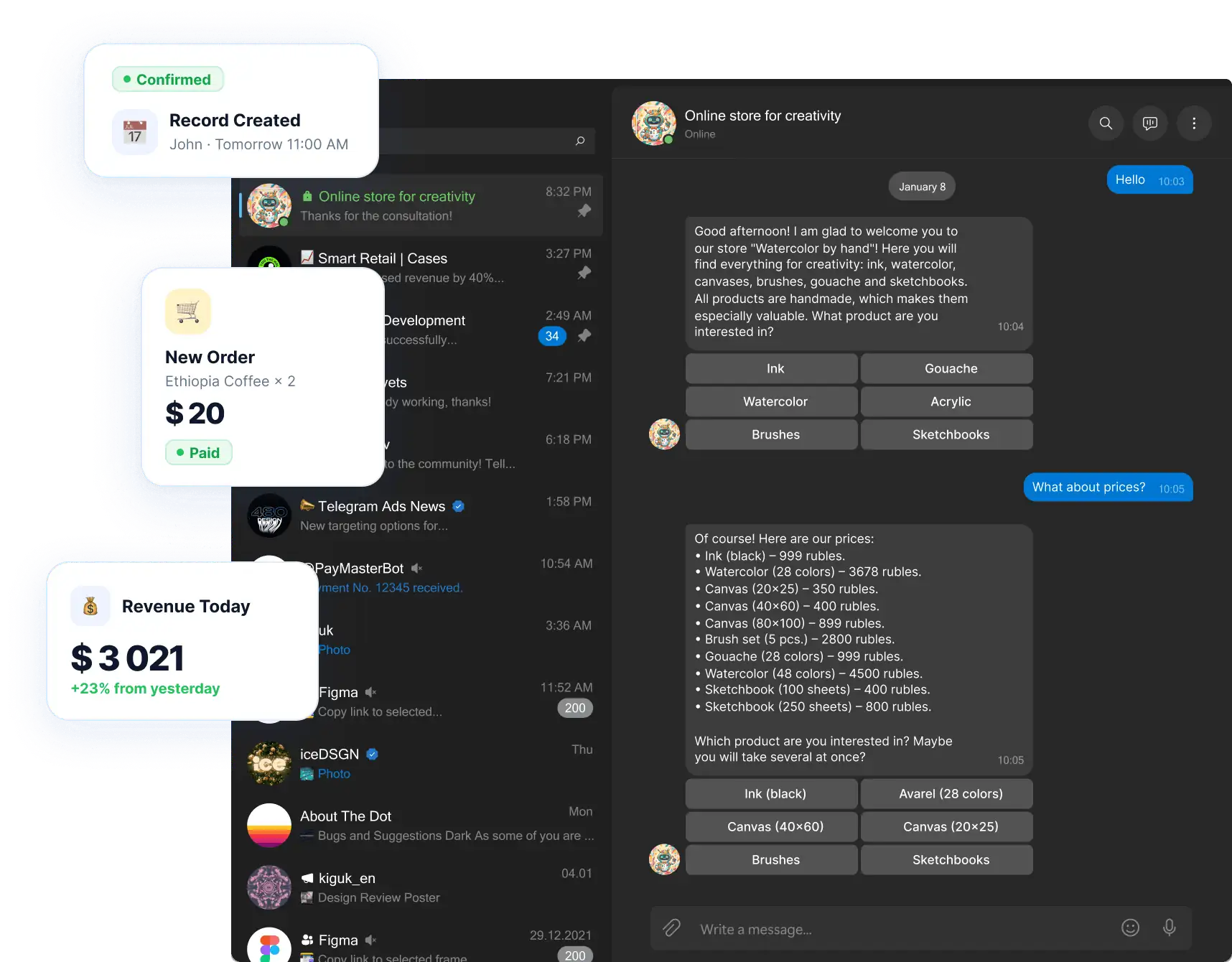
Full-fledged online shops Telegram Mini App
A full-fledged shop with a catalog of goods, a shopping cart and payment — without going to third-party sites

Launch online sales for any business
Accept payments by cards, SBP, wallets and other methods directly in the chatbot

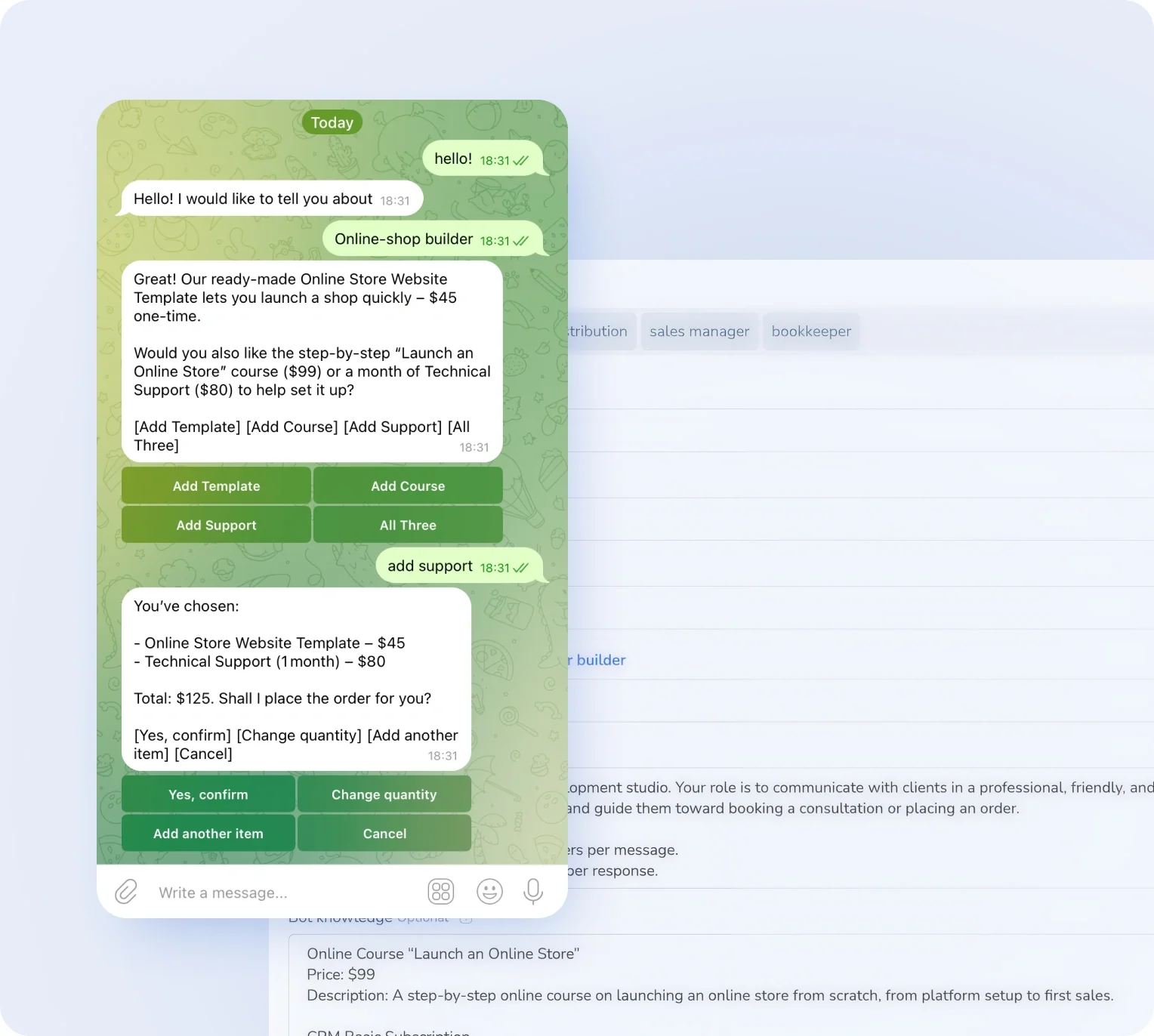
Connecting an AI agent to communicate with customers
Responds, qualifies, handles objections 24/7

No limits on advertising mailings
Send campaigns to any number of subscribers without blocking

Online booking for services right in the bot
The client chooses the time himself — without calls and managers

Working with private membership clubs
Automatic access, renewal reminders, and instant unsubscription upon non-payment

We're with you every step of the way
Perfect for your business
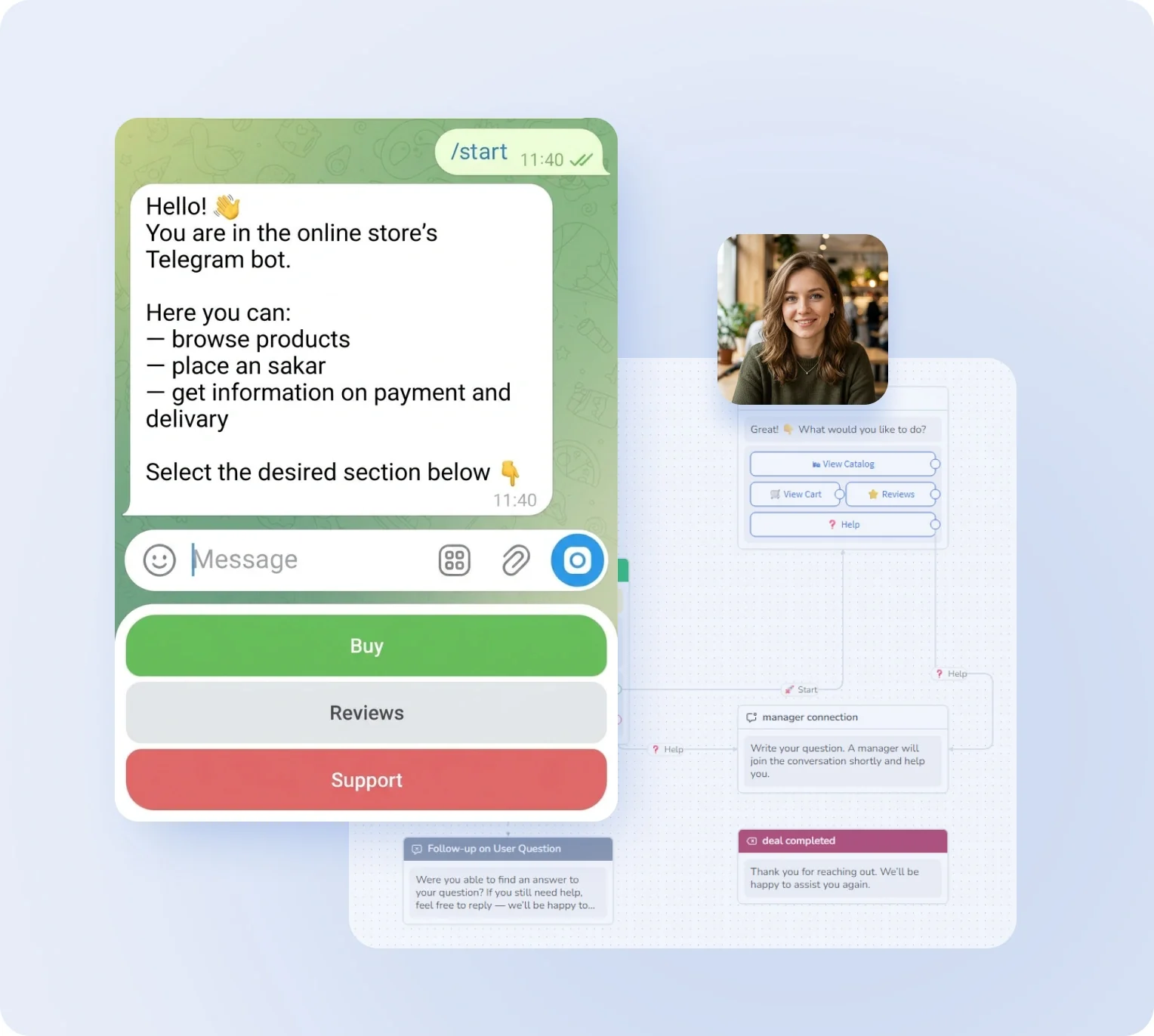
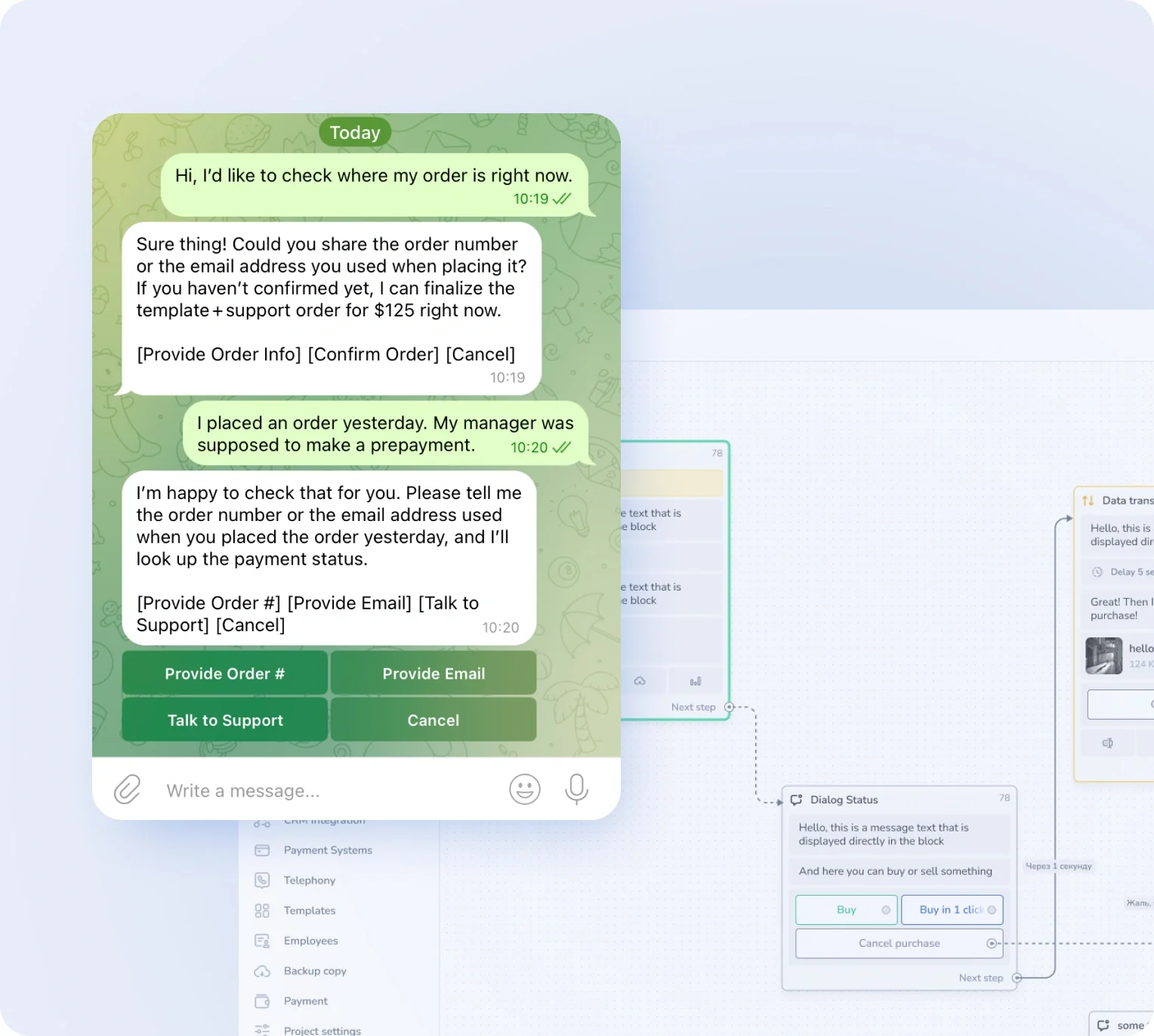
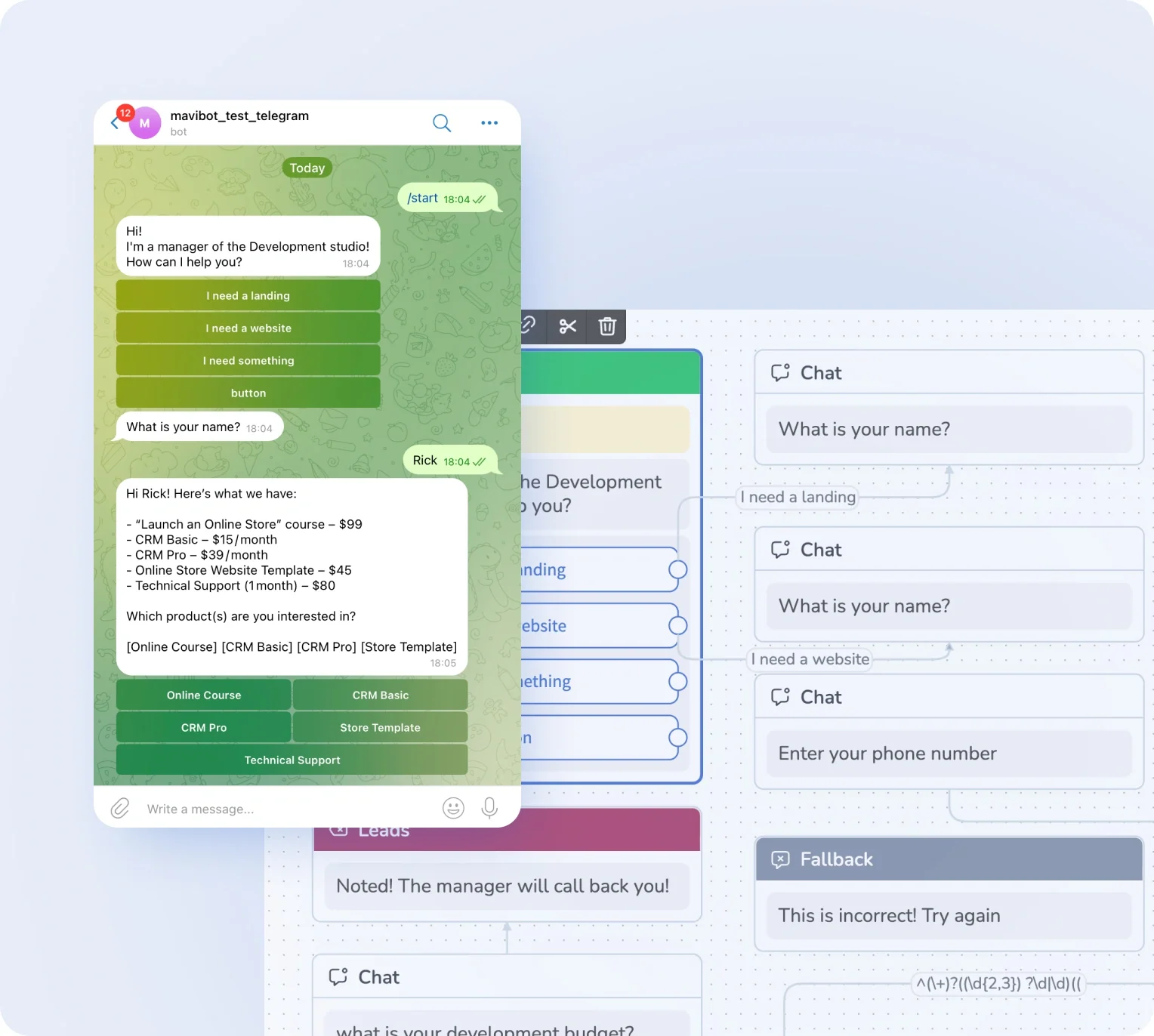


Simplify. Automate. Improve.
Why do businesses choose Mavibot?
Works with all messengers
Instagram, WhatsApp, Telegram, Facebook Messenger, email, website live chat — and any other channel your audience uses

Online Earnings
Join the affiliate program and get a commission from every payment made by your referrals, always
Start without Programmers
To create a Telegram bot with a website and course, you don't need technical skills or programming
Maximum Reach
Expand your business and audience reach across any channel: Telegram, Discord, TikTok, Facebook, and others
Analytics for Business Growth
Collect data on sales, requests, and conversions to improve your marketing and automation strategies.
From small business to large enterprise growth
Who should use Mavibot? — from startups to large companies
Free plan. No credit card.
Start automation today
How to create and launch a Telegram chatbot
Create a chatbot
Create a Telegram chatbot via BotFather and connect it to Mavibot.
#1
Set up a sales funnel
In the Mavibot builder, create a message chain to automate communication with customers.
#2
Add content
Upload images, files, videos, and links to make interacting with the bot livelier and more engaging.
#3
Launch your chatbot
Test the funnel scenario in Telegram. Your chatbot is now ready to launch!
#4
What People Say About Us
Mavibot customer reviews



Business owners trust Mavibot
Alex
Chatbot developer
Irene
Marketing Director
Anastasia
Beauty salon owner




Business owners trust Mavibot
No hidden fees or additional charges
Transparent pricing that scales with you.
Mavibot Plans comparison
- Pricing
- Free
- Business
- Mavibot AI
- Team members222
- Number of daily messages5010001000
- Live chat
- Builder
- Mavibot CRM
- Website builder
- Analytics
- Courses
- Webinars
- Broadcasts
- Calculator
- Working with API requests
- Working on Google Sheets
- Payments in the chatbot
- Integrations with payment systems (except Prodamus)
- Integrations with online education platforms (Bizon365, Getcourse, Prodamus, etc.)
Free
$ 0
Get started for free — no credit card required
Features
Up to 50 messages per day
LMS platform for up to 10 students
LMS platform for up to 10 students
Build 1 website or online shop
Sales and payments via chatbot
Business
$ 39
/ month
For educators and online schools
Features
Everything from the Free plan
Up to 1,000 messages per day
LMS platform for up to 1,000 students
Online education platform
Webinar platform
Mavibot AI
$ 59
/ month
For any business and companies
Features
Everything from the Business plan
AI assistant for customer communication
AI-powered sales funnel generation
AI communication in 100 languages
Connect AI to any chats and channels
Additional options
+1000 messages
per day
$ 4.90
+1000 emails
per day
$ 9.90
+2 GB
file storage
$ 1.90
+100 students
in a project
$ 9.90
Additional channel
$ 9.90
Additional employee
$ 9.90
One service for all your needs.
Change the way you run
your business today
Create a Telegram chatbot. Automate sales and customer communication. Everything in one system.
FAQ
Answers to your questions
Can I try Mavibot for free?
Absolutely! You can try Mavibot for free:
*Three days on the maximum plan — full access to all features so you can explore everything the bot can do.
*Free plan — always available to explore the basics and work with the bot with no time limits.
Choose whichever format works best for testing Mavibot.
*Three days on the maximum plan — full access to all features so you can explore everything the bot can do.
*Free plan — always available to explore the basics and work with the bot with no time limits.
Choose whichever format works best for testing Mavibot.
How do I collect leads with a Telegram chatbot?
A Telegram bot collects leads through interactive scenarios: it asks questions, captures contacts, and automatically creates requests in your CRM. In Mavibot, you can set up a funnel that turns conversations into a steady stream of leads.
Can I connect a CRM to my Telegram chatbot?
Yes, Mavibot integrates with CRM and automatically syncs all inquiries, leads, and deals. This lets you manage clients without manual data entry and track the entire customer journey in one place.
How does a Telegram chatbot work without a manager 24/7?
A Telegram chatbot runs 24/7 using scenarios and AI: it answers questions, collects requests, and helps sell services without human involvement. In Mavibot, this means you never miss a client — even at night or on weekends.
How do I create an AI chatbot for Telegram?
Create a bot via BotFather in Telegram and connect it to Mavibot. Then configure your AI assistant commands, add information about your company and services, and set its role (e.g. sales manager). The bot will start responding to clients automatically.
How do I create CRM deals from Telegram?
Mavibot automatically creates deals in your CRM: just enable 'Accept leads to the first funnel stage' and every client who messages you will be added to the system. You can also configure deal creation at any CRM stage.
Can I send broadcasts in Telegram?
Yes! In Telegram you can send broadcasts without template restrictions — any messages, buttons, and media files. In Mavibot, broadcasts are set up directly from the interface and sent to everyone who has messaged the bot.
How do I connect a Telegram bot to Mavibot?
Just create a bot via BotFather and paste the token into Mavibot. The whole process takes a few minutes — no verification or third-party developers needed. Start automating client communication right away.
Can I accept payments through Telegram?
Yes, you can add a payment button directly to your bot scenario — clients pay for a product or service right in the chat without leaving to an external site. Mavibot supports popular payment providers including Stripe, PayPal, and others.
How is a Telegram chatbot useful for small businesses?
A Telegram bot handles initial client interactions: answers common questions, captures contacts, books appointments, and passes requests to a manager. For small businesses, it means serving clients 24/7 without hiring extra staff.
How do I increase sales through a Telegram chatbot?
Sales through a Telegram chatbot grow through automated funnels: fast responses, lead nurturing, personalized offers, and built-in payments. In Mavibot, you can build a scenario that takes a user from the first message to purchase — without a manager.
How do I set up an auto-responder in Telegram for my business?
Auto-responses are configured through bot scenarios: you set the rules under which the bot replies automatically. In Mavibot, you can set up welcome messages, answers to common questions, and routing to managers.