Online booking for your business on Mavibot
Book clients in a few clicks — no calls
Mavibot accepts requests 24/7 from your website, messengers, and social networks
Over 15,000 companies use Mavibot to automate sales and customer support.
What tasks is
the Mavibot builder for
Customers can book
online at any time
Easy service setup:
price, duration, description, and appearance
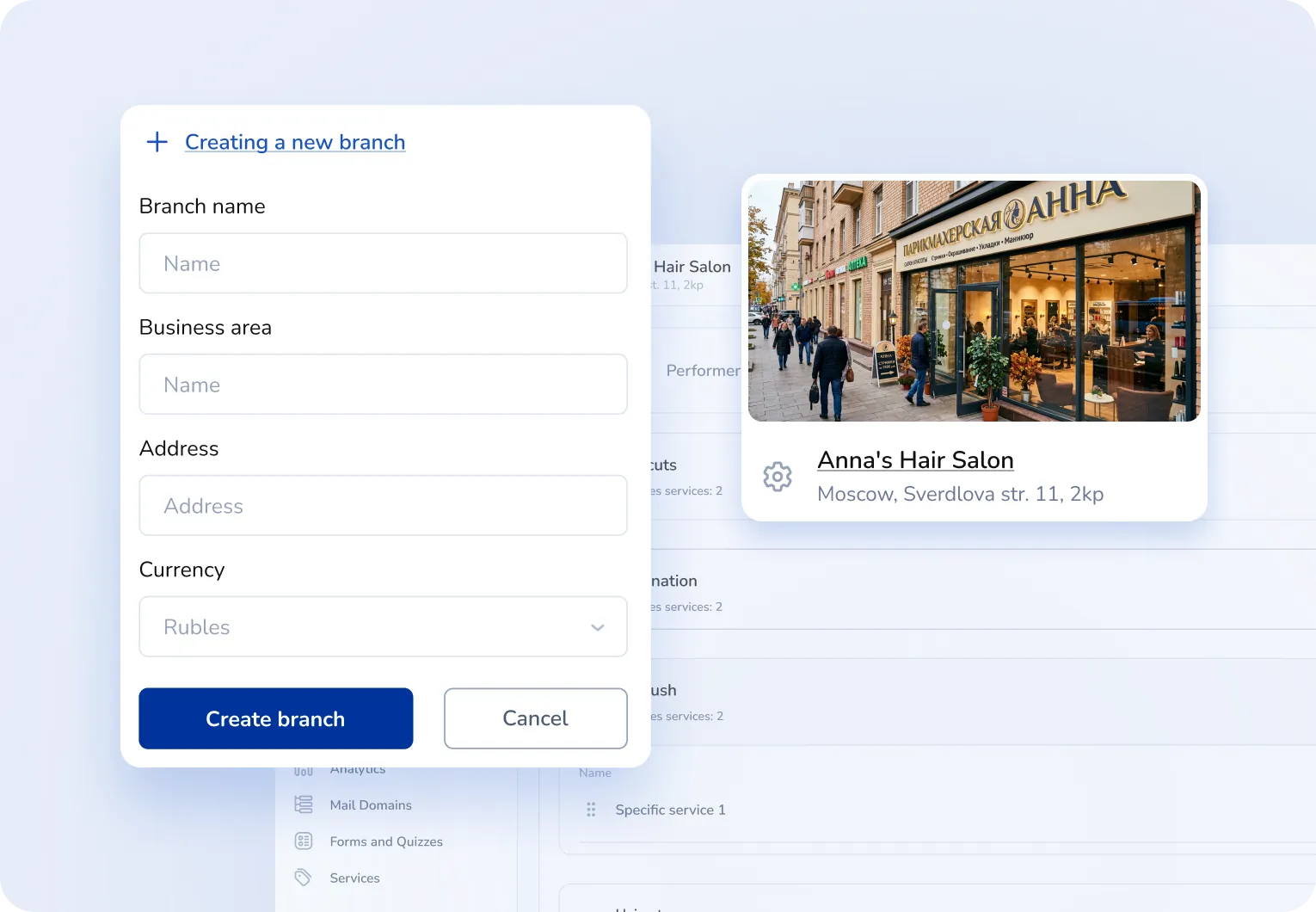
Manage multiple branches from one window
An online booking widget
that can be embedded on a website and in messengers
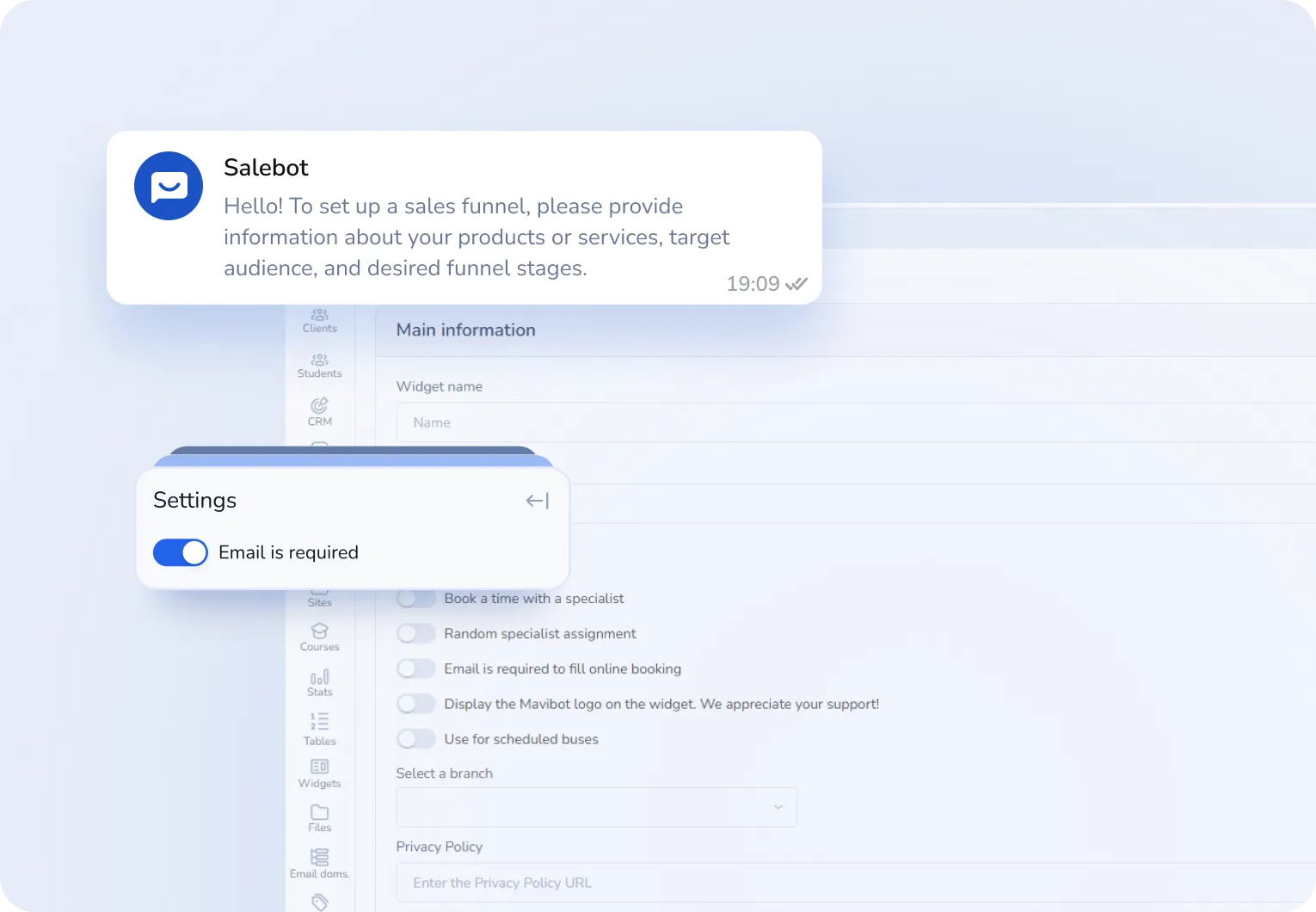
An AI assistant that books customers for services automatically
Staff schedule
filled according to your rules
We automate. We simplify. We help.
Why Mavibot is more convenient than other solutions
Customers book themselves
Available slots are shown immediately: choose service and time and submit instantly — no extra calls.
Services, prices, and duration
Clear service structure: price and duration are visible right away — no spreadsheets or notes.
Staff schedule by your rules
You set the base schedule, and Mavibot keeps it organized — no double bookings or confusion.
Website booking widget
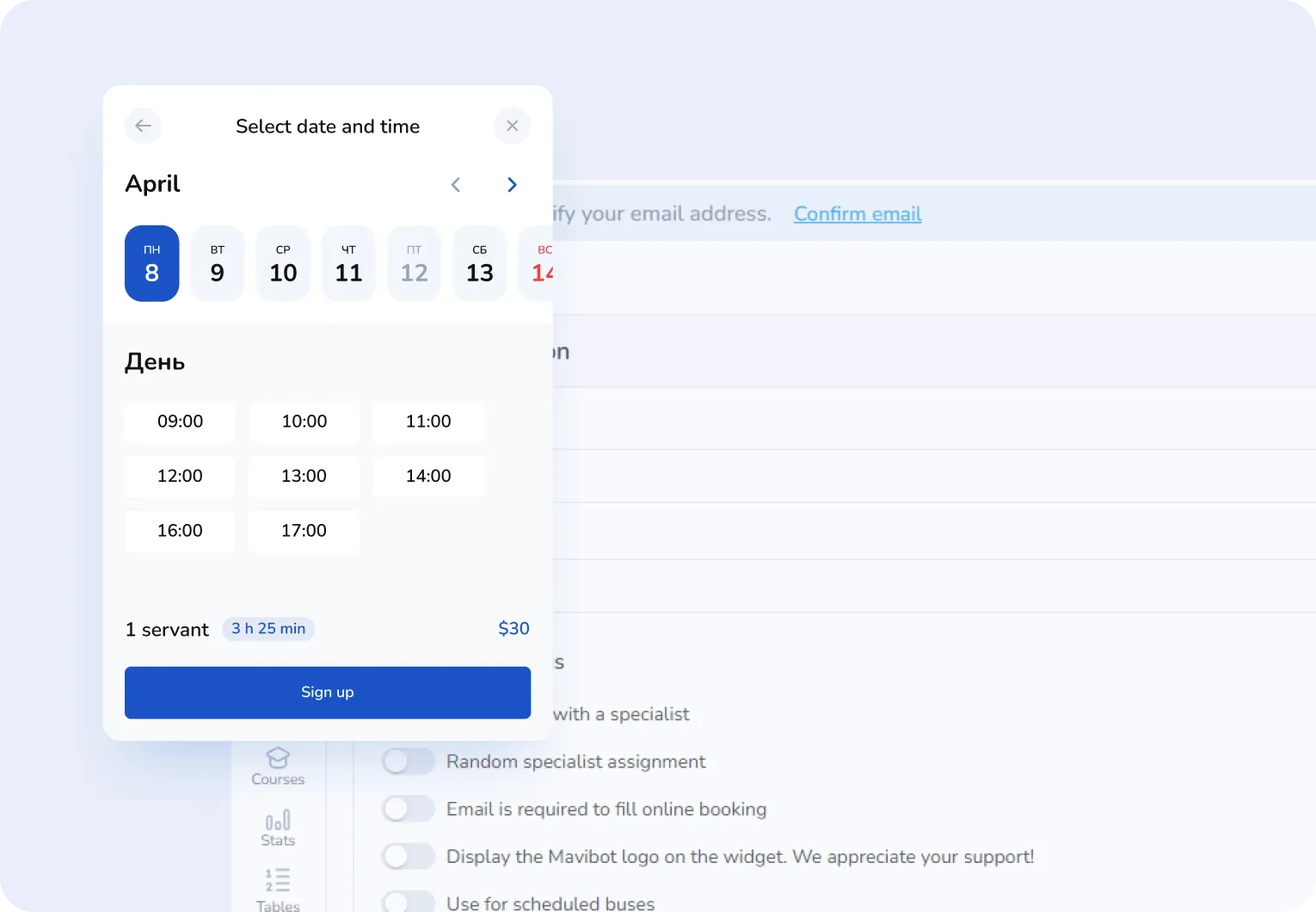
Works like a familiar website: the customer chooses service, specialist, time, and submits the request.
Unified Mavibot platform
Online booking, chatbots, broadcasts, and websites in one system — fewer tools to switch between.
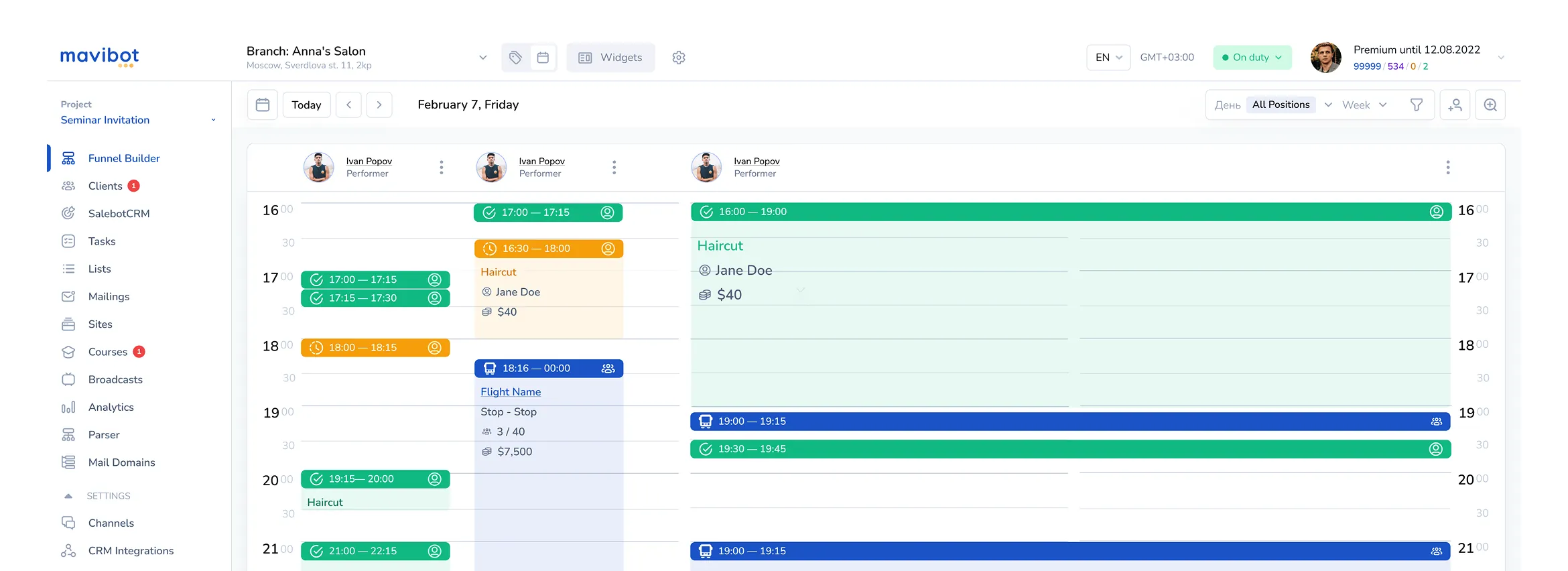
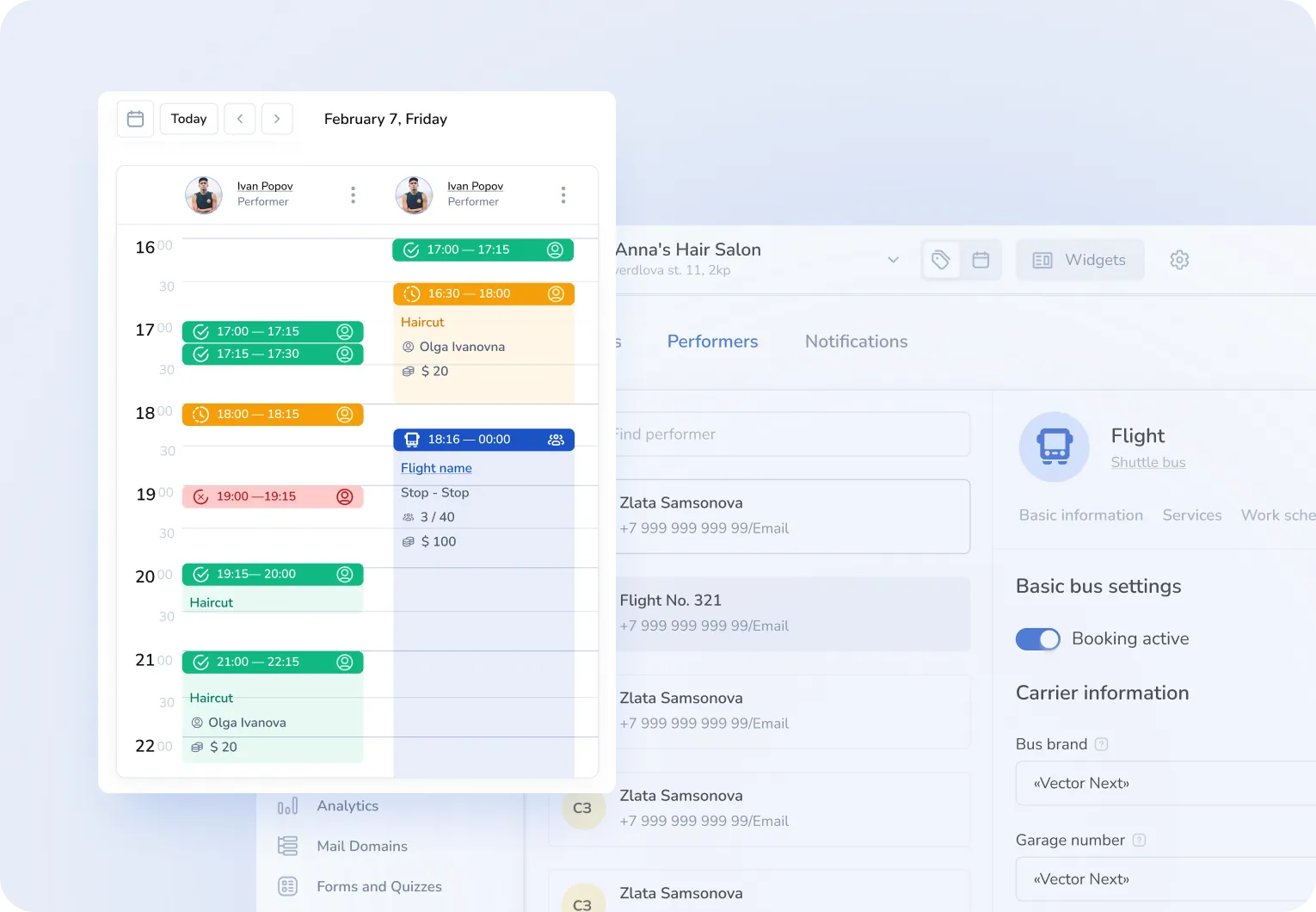
A booking calendar, separate schedules for staff,
customer cards, and an online booking form.
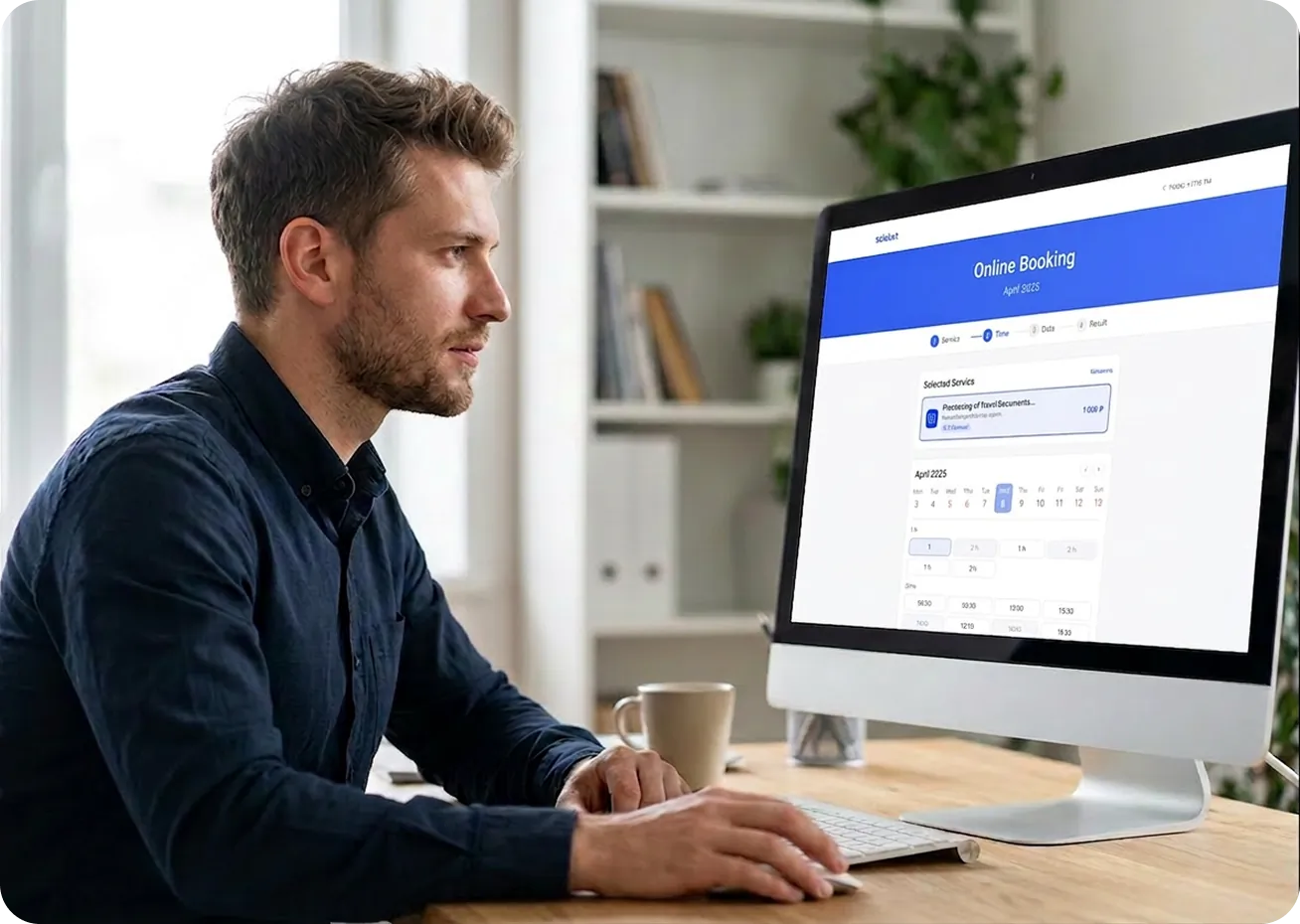
What online booking looks like in Mavibot
Increase the number of bookings: Place the booking widget where your customers are
Free up time for important tasks: Customers choose date, time, service, and specialist themselves
Improve service accessibility: Booking online is convenient anytime — evenings, vacations, on the road, or at work
Increase customer loyalty: Self-booking and booking management make the process clear and convenient
How the Mavibot platform works
#01
Create a branch and add services with price and duration.
#02
Assign services to staff and set when they accept customers.
#03
Build an online booking widget in a few clicks and place it on a website or in a chatbot.
#04
View schedules and bookings in a shared calendar and manage the client flow from one window.
Real examples — real results
Mavibot success stories
The Mavibot builder is suitable for
Beauty salons
Medical centers
Educational projects
Service companies
Auto service
Fitness clubs
What People Say about Us
Mavibot customer reviews
What People Say about Us
Mavibot customer reviews
4.97
Business owners trust MaviBot
Anna
Sales Manager
Before:
Managers got lost in different messengers, missing client requests and wasting time on routine.
After:
All communication is in one place, routine tasks are automated, and the whole sales team works faster and more effectively.
Kate
CRM Specialist
Before:
Managing client base and deal stages was time-consuming, with too much routine work.
After:
A simple CRM helps segment clients, automate communication, and let managers focus on key tasks.
Jennifer
Marketing Manager
Before:
Client journey management was complex, promotions were hard to track, and employees were overloaded.
After:
Automation simplified the client journey, boosted loyalty, and made promotions and feedback collection smooth.
David
Digital Director
Before:
After losing the main channel, the company risked losing digital clients.
After:
With automated funnels and personalized mailings, we built our own digital base and improved performance.
4.97
Business owners trust MaviBot
One service for all your needs.
Launch online booking and automation
today
Start for free and scale the system as your business grows